Your Worker Is Idle and Your Queue Is on Fire
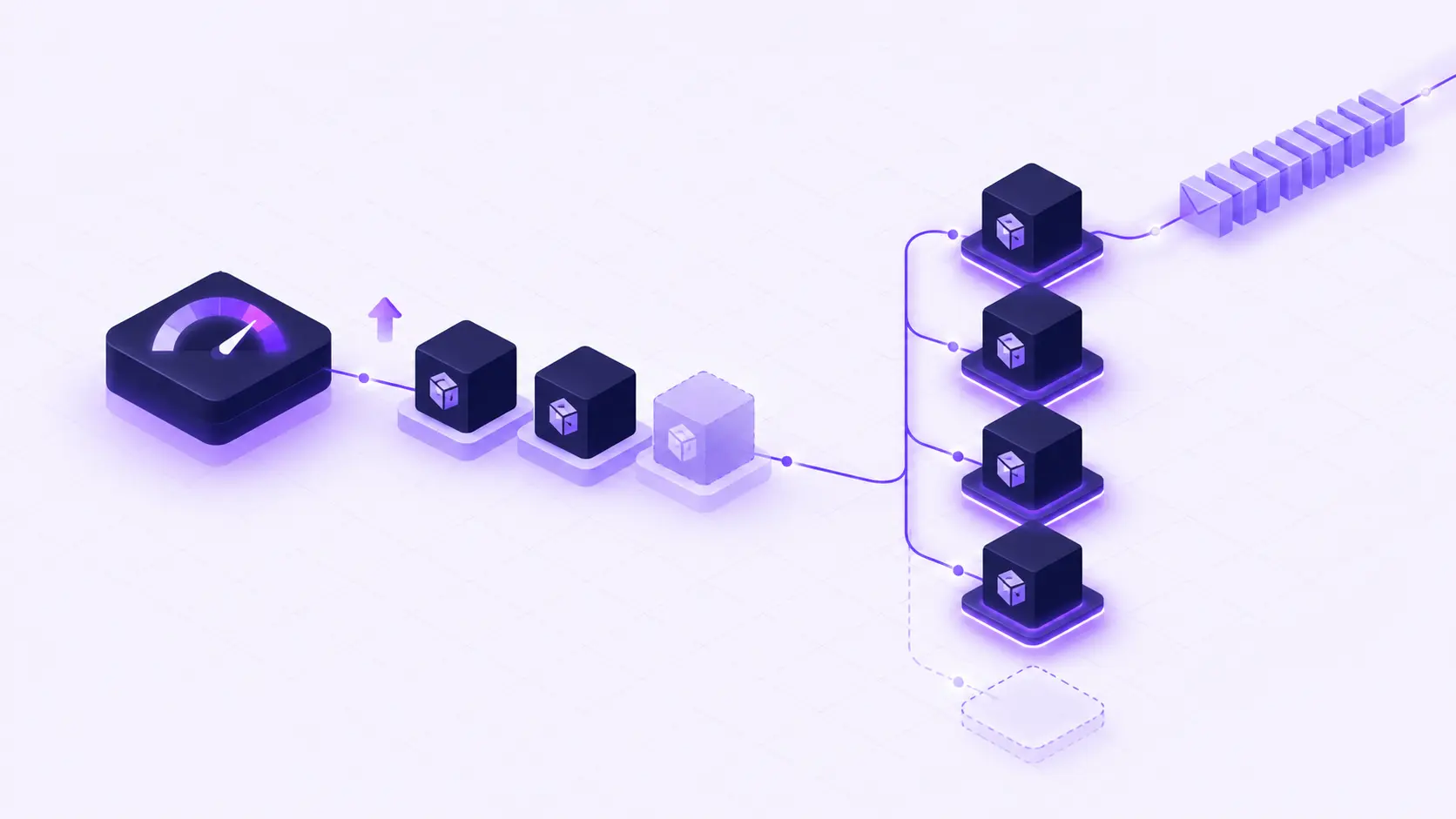
A background worker calls a slow third-party API for every message it pulls from SQS. Each pod spends most of its time waiting on the network, so CPU sits around 10%. Meanwhile, 20,000 messages pile up in the queue and invoices go out late.
The Kubernetes Horizontal Pod Autoscaler sees idle pods and does nothing. It scales on CPU and memory, and for this worker neither one says anything about the backlog.
Choose the autoscaler that reads the right signal. HPA reads resource usage inside your pods. KEDA reads the work waiting outside them: queue depth, stream lag, a Prometheus metric, a schedule.
Two Autoscalers, Two Jobs
HPA is the right default for services that answer requests. When traffic goes up on a REST API or a web frontend, CPU goes up with it, and HPA adds pods after 15 seconds above the threshold. It needs no extra setup and works on every cluster.
KEDA is built for event-driven workloads. It polls an event source, computes how many instances the backlog needs, and scales to that number. It can also scale a worker down to zero when there is nothing to process, so a nightly job or a sporadic consumer costs nothing between runs.
| HPA | KEDA | |
|---|---|---|
| Scales on | CPU, or CPU + memory | SQS, RabbitMQ, Kafka, Redis, Prometheus, cron, and more |
| Best for | APIs, web apps, gRPC services | Queue consumers, stream processors, batch workers |
| Minimum instances | 1 | 0 |
| Setup | Min, max, threshold | Scaler configuration and credentials |
Most production environments need both: HPA on the API that pushes jobs, KEDA on the worker that consumes them.
Why Teams Put Off KEDA, and How Qovery Removes the Work
On a raw Kubernetes cluster, adopting KEDA means installing and upgrading the operator, writing ScaledObject and TriggerAuthentication manifests for each service, wiring IAM so the operator can read queue metrics, and making sure an old HPA does not fight the new scaler over the replica count. Without that work, the fallback is CPU scaling with overprovisioned workers.
On Qovery, autoscaling is a setting on the service:
- One toggle per cluster. KEDA is a cluster add-on. Enable it, redeploy the cluster, and Qovery installs and manages the operator.
- One dropdown per service. Each application has three modes: fixed instances, HPA, or KEDA. You pick the mode and the limits in the Console or through the API.
- Scalers as YAML, secrets as references. Paste the scaler parameters, and point credentials at existing Qovery secrets with
qovery.env.VARIABLE_NAME. On AWS, KEDA can reuse your application's IAM role, so no access keys end up in the configuration. - A guarded migration path. Qovery blocks a direct switch from HPA to KEDA, because both would control the same replica count. You go through fixed instances and two redeploys, and the two never run together.
KEDA on Qovery is available on AWS and GCP clusters, with KEDA's built-in scalers.
What You Get
- Workers that scale with their queue.
- Idle consumers scaled to zero instead of paying for warm pods all night.
- One place to see and change how every service scales, whether it is an API on HPA or a worker on KEDA.
Follow the Step-by-Step Tutorial
The full tutorial covers the decision table, HPA and KEDA configuration in the Console, a Redis scaler example, the HPA-to-KEDA migration, the pitfalls seen in real environments, and how to check that scaling works: