One Cluster, Many Customers, No Walls
Running one Qovery environment per customer on a shared cluster is a common way to serve many tenants without paying for many clusters. Each environment gets its own Kubernetes namespace, which keeps names and resources apart.
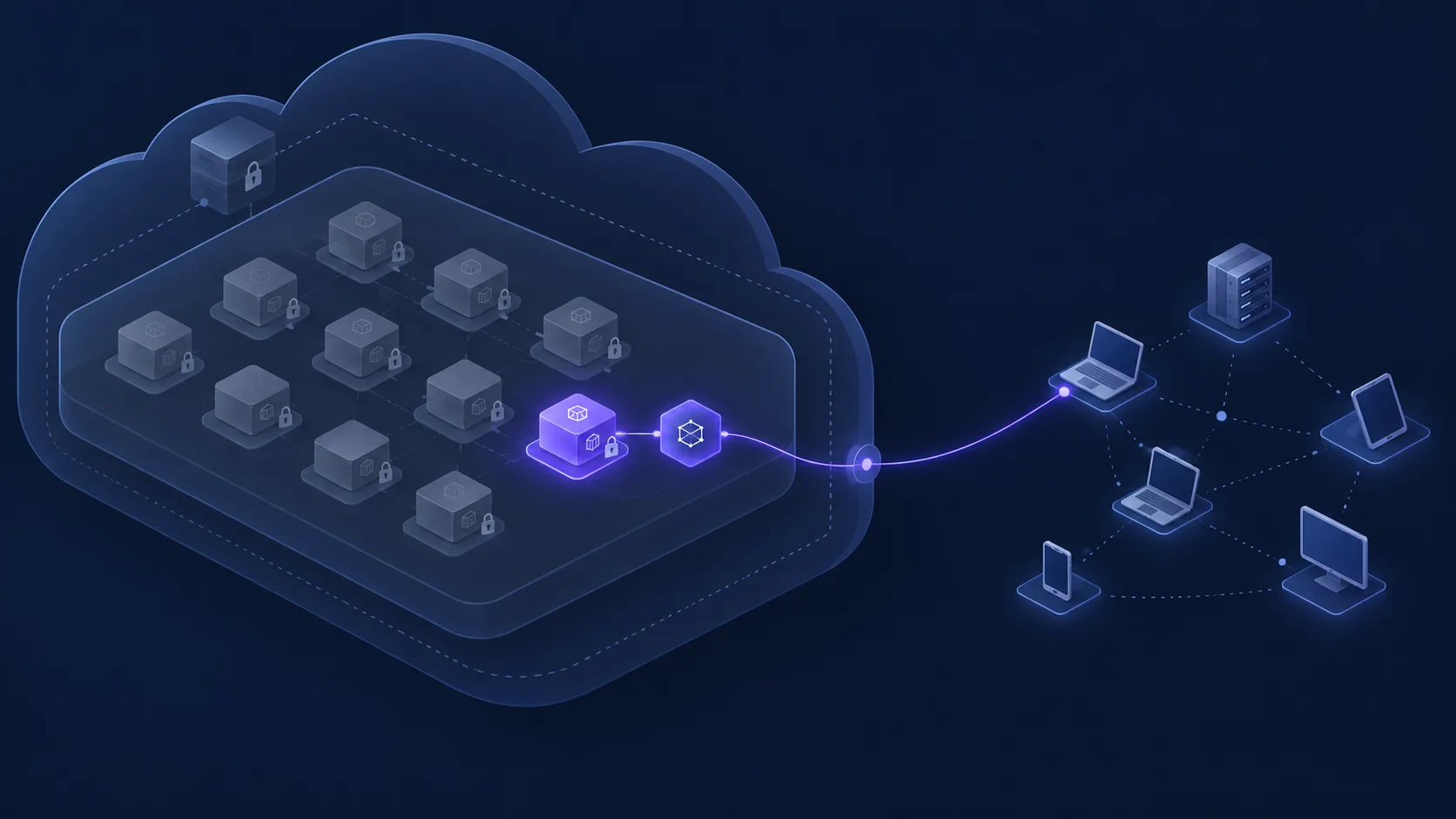
A namespace is not a network boundary, though. By default, Kubernetes lets every pod reach every other pod in the cluster. A service in customer A's environment can call the internal API of customer B, as long as it knows the hostname, and internal hostnames follow a predictable pattern.
Isolation takes one NetworkPolicy per environment. It must be deployed before the services, it has to cover every environment, and it must leave a door open for the cluster gateway, or the public URLs stop answering.
How It Fits Into Qovery
There is no custom integration. The policy is a plain Kubernetes object, deployed with features you already use:
- Helm service: the generic
rawchart deploys the NetworkPolicy from a few lines of YAML pasted into the values override. No cluster-wide permission is needed, since the policy lives in the environment's own namespace. - Deployment stages: the policy service runs in a first stage, so services never run unprotected, not even during the first deployment.
- Environment cloning: the policy is a service of the environment. Clone the environment for a new customer and the isolation comes with it; delete the environment and the policy goes too.
The policy accepts traffic from the same environment and from the Qovery system namespaces, which carry the public traffic through the cluster gateway. Everything else is dropped.
Tested End to End
I ran this on Qovery-managed clusters on AWS EKS and Scaleway Kapsule, with two environments playing two customers. Each environment had a small web server and a probe calling its own environment, the other one, and the internet every five seconds.
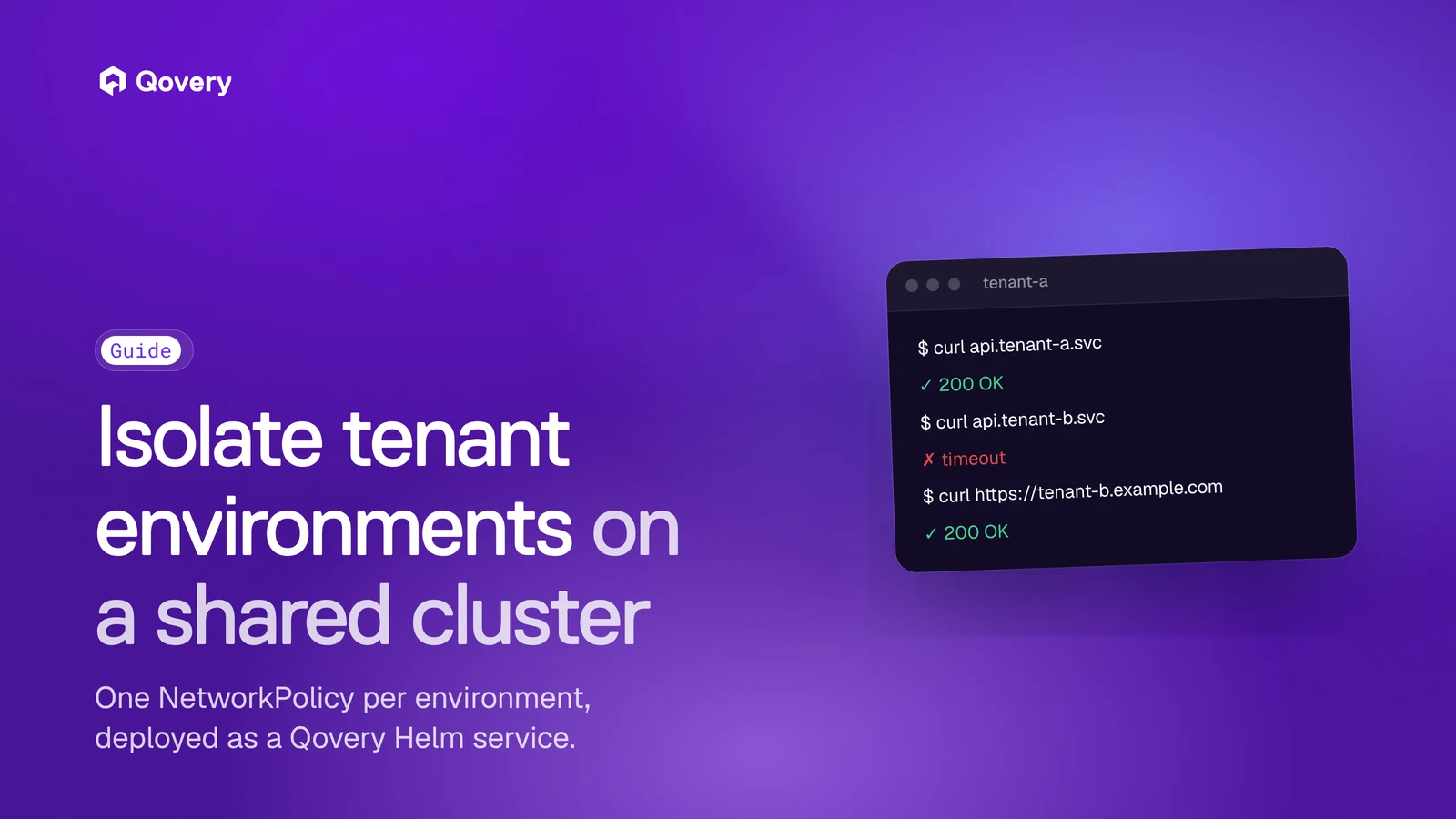
With the policy deployed in both environments, each probe kept reaching its own server, calls to the other environment timed out, and the public URL kept answering through the gateway. Removing the gateway namespace from the policy cut the public URL, which shows the exception is needed and that it works.
Two behaviors are worth knowing before you roll it out:
- Existing connections on EKS. A new policy only applies to new connections, so connections opened before it keep working until they close. Redeploy the services of an environment after adding the policy to it. Scaleway Kapsule cuts them immediately.
- Outbound filtering is optional and cloud-specific. Blocking incoming traffic in every environment is enough to keep tenants apart. If you also restrict outgoing traffic, the rules depend on the cluster network, and managed databases inside it need an explicit exception.
Follow the Step-by-Step Tutorial
The full tutorial covers the Helm service setup, the policy YAML, the deployment stage, how to check the isolation from a shell, the optional egress rules per cloud provider, and troubleshooting: