Claude Code + GitHub Actions: Deploy Every Claude PR to Its Own Environment
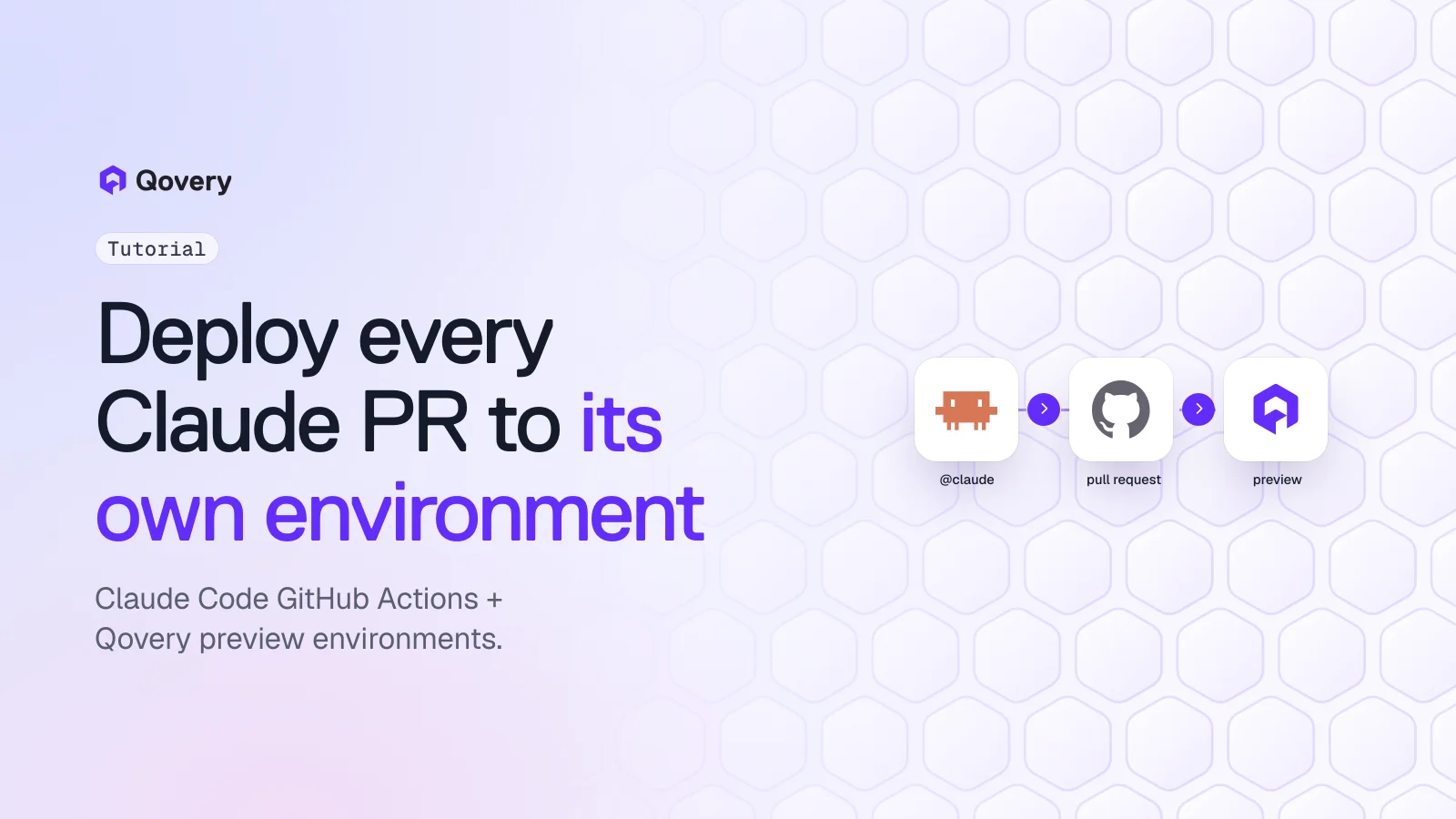
Set up anthropics/claude-code-action so @claude turns issues into branches and pull requests, then let Qovery preview environments deploy each Claude PR to its own full-stack environment on your Kubernetes cluster, post the URL on the PR, and delete it on merge.
anthropics/claude-code-action@v1 runs Claude Code inside GitHub Actions. Mention @claude in an issue or PR comment and Claude reads the context, writes the change and pushes commits.
By default Claude does not open the pull request itself. On an issue it pushes a new claude/... branch and replies with a link to a prefilled PR page. You click it. On an open PR it pushes to the PR branch.
Qovery preview environments do the deploy part. Every PR that targets your base branch gets a clone of a blueprint environment (apps, databases, variables, secrets), the PR gets a comment with the environment links, every push redeploys it, and merge or close deletes it.
You don't write a deploy or cleanup workflow. Qovery listens to GitHub through its own webhooks, so the only workflow file in the repo is the Claude one.
All of it runs on Qovery Free if you already have a Kubernetes cluster: 3 users, unlimited AI agents, 1,000 deployment minutes a month.
The claude-code-action is a good way to get Claude Code working on your backlog without anyone keeping a terminal open. Someone comments @claude add rate limiting to POST /login, 5 attempts per minute per IP on an issue, and a few minutes later there is a branch with the change. The review is where it slows down. A reviewer can read the diff, but to know whether the rate limiter actually returns a 429 on the sixth attempt, someone has to run the API with its Redis and its database.
This tutorial wires the two halves together: Claude Code in GitHub Actions writes the change, and a Qovery preview environment runs it on your own Kubernetes cluster with a URL on the PR.
What you'll end up with
You comment @claude <task> on an issue.
The workflow runs Claude Code, which pushes a branch named claude/issue-<number>-<timestamp> and replies with a link to a prefilled pull request.
You open the PR. It targets your base branch, so Qovery clones your blueprint environment, deploys the PR branch and comments the environment links on the PR.
You test the running app. If something is off, you comment @claude the limiter resets on every deploy, store the counter in Redis on the PR. Claude pushes to the same branch and Qovery redeploys the preview.
You merge. Qovery deletes the environment.
Step 3 has a human in it on purpose. The action's FAQ is explicit: "Claude doesn't create PRs by default. Instead, it pushes commits to a branch and provides a link to a pre-filled PR submission page. This approach ensures your repository's branch protection rules are still adhered to and gives you final control over PR creation." (claude-code-action FAQ). Qovery reacts to the pull request, so the preview appears when the PR exists, whoever opened it.
Prerequisites
A Kubernetes cluster connected to Qovery. On Qovery Free that is one cluster you run: EKS, GKE, AKS, k3s or on-premise. The EKS tutorial shows the qovery cluster install flow.
Your app deployed once on that cluster in a regular Qovery environment, from a GitHub repository.
Admin access to the GitHub repository, and an Anthropic API key or a Claude subscription token.
Step 1: Turn one environment into a blueprint
Preview environments are clones of a template environment Qovery calls the blueprint. The Qovery docs recommend keeping it as a template that nobody uses directly.
Open your working environment in the Qovery console and choose Clone. Name the clone blueprint. If you have a second cluster, put previews there instead of next to production.
In each application of the blueprint, set the Git branch to the branch Claude will branch from and PRs will target. In most repos that is main.
Deploy the blueprint once and check it works. Then stop it and turn auto-deploy off, so it doesn't consume resources or deployment minutes while it waits.
Open the blueprint's Settings, then the Preview environments tab. Switch on Turn on Preview Environments, and under Create Preview for PR opened on those services, select the services whose PRs should get a preview. Save.
Leave Create on demand off for this tutorial so every PR gets an environment. Turn it on later if you want previews only on request: Qovery then waits for a /qovery preview comment on the PR before creating anything.
Seed the preview database
Qovery clones the database service with its configuration, not its data. A preview with an empty database is useless to a reviewer, so add a lifecycle job to the blueprint that runs a seed script when the environment starts. The database seeding guide builds one: a small image with psql that downloads seed.sql from S3 and runs it, configured with the START event. Use synthetic data. A Claude-written branch running against a copy of production data is exactly what your security team will ask about.
Step 2: Install the Claude GitHub app and workflow
The fastest path is from a Claude Code terminal in the repository:
BASH
claude
/install-github-app
Per the Claude Code GitHub Actions docs, this installs the Claude GitHub App, adds your authentication secret and prepares the workflow for you as a pull request. It works with github.com repositories, needs the gh CLI, and needs admin access on the repo.
To set it up by hand, install the Claude GitHub App on the repository, add ANTHROPIC_API_KEY as a repository secret (or CLAUDE_CODE_OAUTH_TOKEN, generated with claude setup-token), and commit .github/workflows/claude.yml. This version is based on the official example, with two inputs added for the preview workflow:
YAML
name: Claude Code

on:
  issue_comment:
    types: [created]
  pull_request_review_comment:
    types: [created]
  issues:
    types: [opened, assigned]
  pull_request_review:
    types: [submitted]

jobs:
  claude:
    if: |
      (github.event_name == 'issue_comment' && contains(github.event.comment.body, '@claude')) ||
      (github.event_name == 'pull_request_review_comment' && contains(github.event.comment.body, '@claude')) ||
      (github.event_name == 'pull_request_review' && contains(github.event.review.body, '@claude')) ||
      (github.event_name == 'issues' && (contains(github.event.issue.body, '@claude') || contains(github.event.issue.title, '@claude')))
    runs-on: ubuntu-latest
    permissions:
      contents: write
      pull-requests: write
      issues: write
      id-token: write
      actions: read
    steps:
      - name: Checkout repository
        uses: actions/checkout@v6
        with:
          fetch-depth: 1

      - name: Run Claude Code
        uses: anthropics/claude-code-action@v1
        with:
          anthropic_api_key: ${{ secrets.ANTHROPIC_API_KEY }}
          # Branch from the same branch your Qovery blueprint tracks
          base_branch: main
          claude_args: |
            --max-turns 15
            --allowedTools "Bash(npm install),Bash(npm run build),Bash(npm run test:*),Bash(npm run lint:*)"
What each addition does:
base_branch is "the branch to use as the base/source when creating new branches" and defaults to the repository's default branch (action.yml). Set it to the branch your blueprint applications track. If the blueprint follows staging, set base_branch: staging and open the PR against staging, or no preview will be created.
claude_args passes CLI arguments to Claude Code. Without an allowlist, Claude can't run shell commands in the runner. Letting it run your tests before it pushes means fewer broken previews, and fewer deployment minutes spent on builds that fail.
Two settings to leave alone. Don't pass github_token: ${{ secrets.GITHUB_TOKEN }}: the Claude Code docs note that "GitHub doesn't trigger workflows on commits made with the default GITHUB_TOKEN", and without it the action authenticates as the Claude GitHub App, so your normal CI runs on Claude's pushes. And keep id-token: write, which the default GitHub App authentication requires.
Nothing in this file mentions Qovery. Qovery watches the repository through the webhooks it registered when you connected GitHub, so there is no deploy job and no cleanup job to maintain.
Give every Claude PR a live environment, for free.
Qovery Free connects to the Kubernetes cluster you already run and creates a preview environment for every pull request. 3 users, unlimited AI agents, 1,000 deployment minutes a month. No credit card.
@claude Add rate limiting to POST /login: 5 attempts per minute per IP,
return 429 with a Retry-After header. Store counters in Redis (REDIS_URL is set).
Add a test.
Claude updates a single comment on the issue with its progress, pushes claude/issue-87-<timestamp>, and finishes with a link to create the pull request. Open it against main.
Once the PR is open, the Qovery bot comments on the PR that a preview environment was created, with a link to follow the deployment. When the deployment finishes, it comments again with links to each service. The new environment shows up in the console in the Ephemeral table, cloned from the blueprint, with its own Postgres and Redis, and the seed job runs when the environment starts.
Now test the thing the diff can't prove:
BASH
for i in $(seq 1 6); do
  curl -s -o /dev/null -w "%{http_code}\n" -X POST \
    https://<your-preview-api-url>/login -d '{"email":"[email protected]","password":"x"}' \
    -H 'Content-Type: application/json'
done
Five 401s and a 429 means it works. Anything else goes back to Claude as a PR comment, and Claude pushes to the open PR branch. Qovery redeploys the same preview on each push, so the URL doesn't change during review.
Merge or close the PR and Qovery deletes the environment.
Keeping it inside 1,000 minutes
On Qovery Free you get 1,000 deployment minutes a month, and a deployment minute is one minute of build and deploy time. Claude tends to push several times per PR, so measure one preview deploy and do the math. At 5 minutes per deploy and 4 pushes per PR, that's 20 minutes a PR, or 50 Claude PRs a month.
To stretch it:
Turn on Create on demand and comment /qovery preview only on PRs a human will test.
In the preview settings, select only the services the PR touches. A docs-only PR doesn't need the worker.
Let Claude run tests in the runner (the --allowedTools line above) so failing code doesn't reach a build.
Stop idle previews at night with a deployment rule on the [PR]* pattern (deployment rules).
At the limit, deployments stop until next month or an upgrade. Free never bills overage. Plan details are on the pricing page.
Does claude-code-action open pull requests automatically?
Not by default. When triggered on an issue, it pushes commits to a new branch and links to a prefilled PR creation page, so a human opens the PR. When triggered on an open PR, it pushes directly to that PR's branch.
Do I need a GitHub Actions workflow to deploy Qovery preview environments?
No. Qovery creates, updates and deletes preview environments from pull request events it receives through its GitHub integration. You only need a workflow if you want extra steps, such as end-to-end tests against the preview URL.
Why didn't my Claude PR get a preview environment?
Check that the PR targets the base branch your blueprint applications track, that Turn on Preview Environments is on in the blueprint settings, and that the service is selected under Create Preview for PR opened on those services. If Create on demand is on, comment /qovery preview on the PR.
Is the database in a preview environment a copy of production?
No. Qovery clones the database instance and its configuration, not the data. Seed it with a lifecycle job that runs on environment start.
What triggers claude-code-action?
By default, the @claude trigger phrase in an issue or PR comment, a PR review, or the body or title of a new issue. You can change the phrase with trigger_phrase, or pass a prompt input to run it without a mention.
Romaric founded Qovery to make Kubernetes accessible to every engineering team. He writes about platform strategy, developer experience, and the future of cloud infrastructure.
Next step
Give every Claude PR a live environment, for free.
Qovery Free connects to the Kubernetes cluster you already run and creates a preview environment for every pull request. 3 users, unlimited AI agents, 1,000 deployment minutes a month. No credit card.