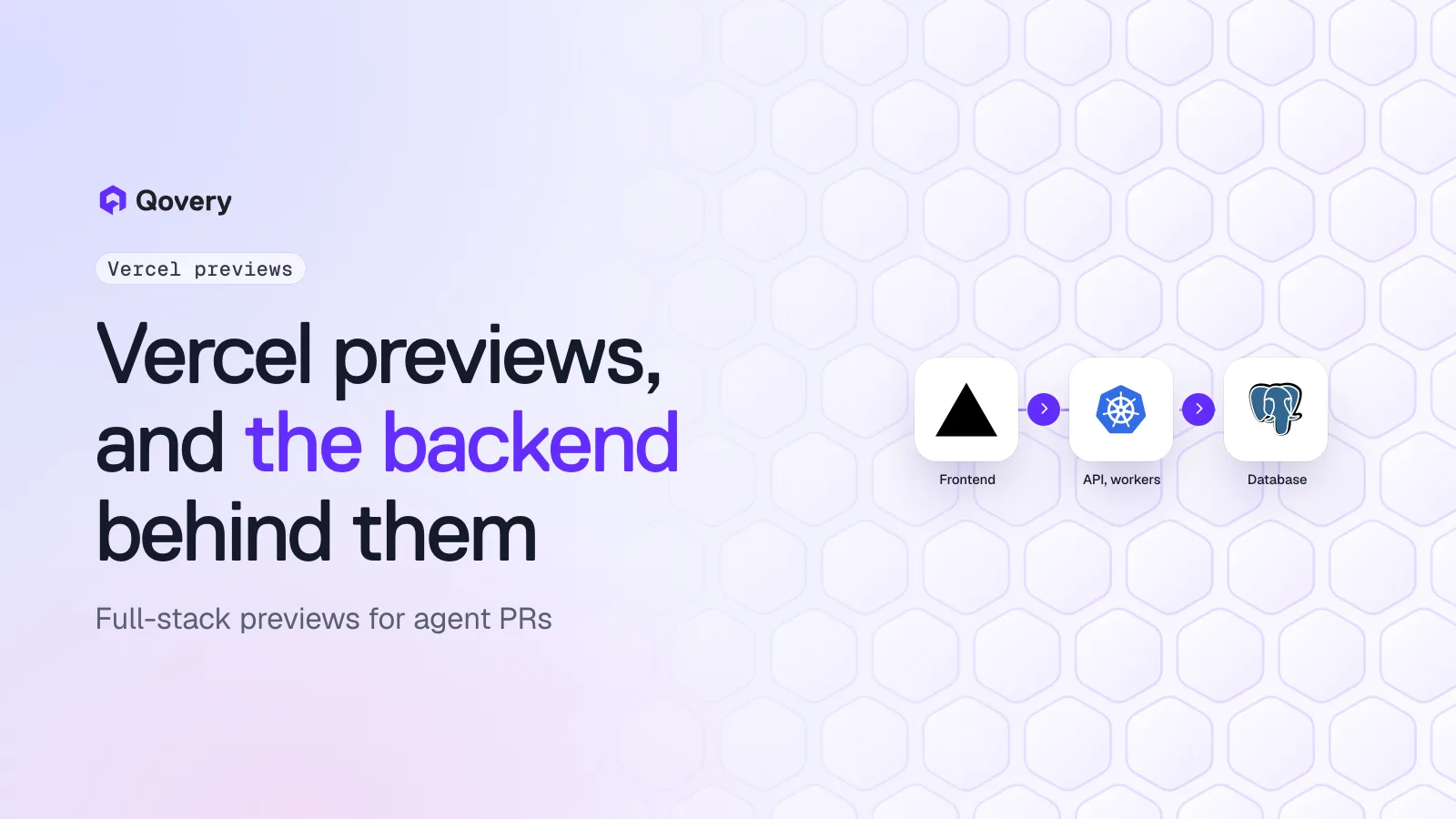
Vercel Preview Environments vs Full-Stack Previews for Agent-Written Backends
Vercel preview deployments are excellent for frontends. Coding-agent PRs often change APIs, workers, migrations and databases too. Here is what a full-stack preview needs, how to pair a Vercel frontend preview with a backend preview on your own Kubernetes cluster, with a working GitHub Actions workflow, and when to use which.
Vercel preview deployments are the reference for frontends. Every push to a non-production branch and every pull request gets a deployment, a branch URL and a commit URL, linked from the PR. Branch-specific preview variables and Marketplace database integrations cover a lot of ground.
Agent PRs rarely stop at the frontend. Claude Code, Cursor and Codex change API handlers, background jobs, queue consumers and schema migrations in the same PR as the UI. A frontend preview pointed at a shared staging API can't show whether those changes work.
A full-stack preview runs every service at the PR's commit, with its own database (migrated and seeded), its own cache and queue, wired together, on a URL, and deleted when the PR closes.
You can keep Vercel for the frontend. A CI job creates a backend preview on Kubernetes, reads its URL, and passes it to the Vercel preview build. The workflow below does it with the Qovery CLI and the Vercel CLI.
Use Vercel previews alone when the PR is frontend-only or the backend is a third-party API. Use full-stack previews when agents touch the backend.
Vercel made preview deployments a default expectation. Open a PR, get a URL, click through the change. For a Next.js app, that loop is hard to improve on, and a lot of teams adopting coding agents start there.
The problem appears when the agent's PR changes more than the frontend. This post looks at what Vercel previews cover, what agent-written backend changes need, and how to combine both without replacing what already works.
What Vercel previews do well
From Vercel's environments documentation, a preview deployment is created when you push to a branch that is not the production branch, open a pull request on GitHub, GitLab, Bitbucket or Origin, or run vercel without --prod. Each deployment gets a commit-specific URL and a branch URL (<project-name>-git-<branch-name>-<scope-slug>.vercel.app), and the links show up in the PR.
A few more things worth knowing before deciding anything:
Branch-specific variables.Preview environment variables can apply to all non-production branches or to one branch, and a branch value overrides the general preview value. Changes apply to new deployments only.
Databases through the Marketplace. Integrations such as Neon's support preview branching, so a preview can get its own database branch.
Pricing. Hobby is $0 a month for personal projects. Pro is $20 a month and includes $20 of usage credit (pricing page, read 7 November 2026).
Backends are growing. Vercel Functions run with a 300-second default duration, up to 800 seconds on Pro and Enterprise (limits), and Vercel Workflows handle longer work. Vercel also runs Docker images for HTTP apps and background workers, a feature in beta on all plans; during the beta, Daemons (the background workers) run only in production and have no persistent local storage.
If your whole product is a Next.js app with server functions and a Marketplace database, Vercel previews may already be full-stack previews. The rest of this post is for teams whose backend lives elsewhere.
What agent PRs change
Look at a week of PRs from a coding agent working in a typical SaaS repository. The frontend-only ones are the minority. A ticket like "let admins export invoices as CSV" produces:
a new API endpoint and its authorization check,
a background job that builds the file, because large exports time out in a request,
a migration adding an exports table,
a queue message and a consumer,
a button and a progress indicator in the UI.
A Vercel preview of this PR builds the button. If the preview points at the shared staging API, the button calls an endpoint that doesn't exist there yet. If someone deploys the agent's branch to staging to make it work, the migration lands in a database other people use, and the next agent PR inherits it.
That is the gap. Reviewers of agent PRs need to see the whole change running, and the parts most likely to be wrong are the parts a frontend preview can't show: the job that fails on the 10,001st row, the migration that locks a table, the consumer that drops messages.
What a full-stack preview needs
A preview that can answer "does this PR work?" for a backend change needs:
Every service at the PR's commit, not only the one that changed. The API, the workers and the frontend must agree on the contract the agent just modified.
Its own database, with migrations run from the PR's branch and seed data that exercises the change. Shared databases make previews interfere with each other. See schema migrations in ephemeral environments for patterns.
Its own cache and queue, so jobs triggered from one preview are consumed by that preview's workers.
Wiring between services: the frontend knows the API URL, the API knows the database and queue addresses, and none of it is hardcoded.
Secrets that are not production's: sandbox keys for payments, email and third-party APIs.
A URL on the PR, for people and for the agent, which can open the preview to check its own work.
Cleanup and cost control. Agents open many PRs. Previews have to be deleted when PRs close and stopped when nobody looks at them. We put numbers on this in what a preview per agent PR costs.
Full-stack previews on your own Kubernetes cluster
Qovery is an Agentic DevOps platform that deploys to Kubernetes in your own cloud account. On a preview-enabled environment, every PR that targets the base branch gets a clone of a blueprint environment: applications, databases, variables and secrets. Qovery builds the PR's branch, posts the preview URL in the PR comments, redeploys on new pushes and deletes the environment when the PR is merged or closed. You can also create previews only on request, with a /qovery preview comment.
Services find each other through built-in variables. Each database gets connection variables such as QOVERY_POSTGRESQL_<ID>_DATABASE_URL_INTERNAL, and each publicly exposed application gets QOVERY_APPLICATION_Z<ID>_HOST_EXTERNAL. An alias maps one to the name your code expects (DATABASE_URL), so a cloned preview wires itself without editing values per PR. A lifecycle job can seed the preview database when the environment starts.
On Qovery Free, this runs on one cluster you already operate (EKS, GKE, AKS, k3s or on-premise), with 3 users, AI agents not counted, and 1,000 deployment minutes a month. Agents can create and inspect previews themselves from Claude Code, Cursor or Codex through the Qovery MCP server, the CLI or the Skills.
Pairing a Vercel frontend preview with a backend preview
You don't have to move the frontend off Vercel. The pattern is:
When a PR opens or gets a new commit, CI creates or updates a backend preview with a name derived from the PR number.
CI waits until the backend is deployed and reads the API's public URL.
CI builds the Vercel preview with that URL as a build variable.
When the PR closes, CI deletes the backend preview.
The backend preview here is created by CI with qovery environment clone, not by Qovery's automatic PR previews, because CI needs to know the environment's name to look up its URL. The consequence: Qovery's delete-on-merge applies to PR-triggered previews, so this workflow deletes its own environments in the closed job.
--build-env and --env.NEXT_PUBLIC_ variables are inlined into the client bundle at build time, so they go through --build-env. Server-side code reads --env at runtime.
Two Vercel deployments per push. If the Vercel Git integration is still on, it builds its own preview of the branch, pointed at whatever API URL your preview variables hold. Either turn off automatic Git deployments for preview branches and let CI deploy, or keep both and treat the CI deployment as the full-stack one.
Branch variables instead. Another option is to store the URL as a branch-scoped preview variable with vercel env add NEXT_PUBLIC_API_URL preview <branch> and redeploy. It keeps Git deployments, at the cost of a variable per branch to remove when the PR closes.
CORS. The API must accept requests from the Vercel preview origin. Browsers don't accept wildcards in Access-Control-Allow-Origin, so match the request's origin in your CORS middleware against your project's branch URL pattern (shop-web-git-<branch>-acme.vercel.app) and echo it back, or use a Preview Deployment Suffix on your own domain on Pro.
Schedules.--apply-deployment-rule applies your project's deployment rules to the clone, so a rule on preview-pr-* can stop these environments at night.
The token. CI needs a Qovery API token in QOVERY_CLI_ACCESS_TOKEN. Scope it to the preview project, and keep production out of its reach.
If you would rather not glue two platforms, run the frontend in the same Qovery preview as a container. One environment, one set of URLs, one cleanup, and Qovery's automatic PR previews handle the lifecycle. You give up Vercel's frontend features in previews, so most teams that are happy with Vercel in production keep the split above. For a longer discussion of moving frontends, see Vercel alternatives for teams with backends and databases.
Add the backend to every agent PR preview.
Qovery Free runs full-stack preview environments (APIs, workers, databases) on one Kubernetes cluster you already run, and your Vercel frontend can point at them. 3 users, AI agents don't count, 1,000 deployment minutes a month, no credit card.
Next.js app, server functions, Marketplace database
Yes
Not needed
Not needed
Frontend PR against a stable backend API
Yes
Not needed
Optional
Agent PR touching API, workers or migrations
No
Yes
Yes
Backend in Go, Python, Java or Ruby on Kubernetes
Frontend only
Yes
Yes
Long jobs, queue consumers, websockets at review time
Limited
Yes
Yes
Previews must run in your own cloud account
No
Backend only
Yes
You want one tool and one lifecycle
Yes, for frontend
No, two
Yes
The short version: if the agent only touches the frontend, Vercel previews are enough and very good at it. Once agents write backend code, the backend needs its own preview, and it can sit next to your Vercel preview rather than replace it.
It is the environment Vercel uses for deployments that are not production. Vercel creates a preview deployment when you push to a non-production branch, open a pull request on a connected Git provider, or run vercel without --prod. Each one gets a unique commit URL and a branch URL that follows the latest commit.
Can Vercel preview deployments include a backend?
Partly. Vercel Functions, Vercel Workflows and Marketplace databases with preview branching run inside Vercel previews. Services that run elsewhere, such as APIs and workers on Kubernetes, are not part of a Vercel preview, so the preview calls whatever backend its variables point to.
How do I point a Vercel preview at a per-PR backend?
Create the backend preview first, read its public URL, and pass it to the Vercel build with vercel deploy --build-env NEXT_PUBLIC_API_URL=<url>, or store it as a branch-scoped preview variable with vercel env add NEXT_PUBLIC_API_URL preview <branch> and redeploy. A CI workflow on pull request events can do both steps.
Why do coding agent PRs need full-stack previews?
Because agents change several layers in one PR: endpoints, background jobs, queue consumers and migrations along with the UI. A frontend preview against a shared staging API can't run the new backend code, and deploying the branch to staging puts its migration in a shared database.
Can Qovery create a preview environment for each pull request?
Yes. Qovery clones a blueprint environment (applications, databases, variables and secrets) for each pull request, builds the branch, posts the URL in the PR comments and deletes the environment when the PR is merged or closed. Previews can also be created on request with a /qovery preview comment, or from CI with qovery environment clone.
Does Qovery Free include preview environments?
Yes. Qovery Free includes preview environments and environment cloning on one Kubernetes cluster you already run, with 3 users (AI agents don't count), 1,000 deployment minutes a month with a hard stop, community support, no time limit and no credit card.
Romaric founded Qovery to make Kubernetes accessible to every engineering team. He writes about platform strategy, developer experience, and the future of cloud infrastructure.
Next step
Add the backend to every agent PR preview.
Qovery Free runs full-stack preview environments (APIs, workers, databases) on one Kubernetes cluster you already run, and your Vercel frontend can point at them. 3 users, AI agents don't count, 1,000 deployment minutes a month, no credit card.