An application is a container unit that is part of a Project within an Environment. You can deploy multiple applications within the same environment, and they can communicate with each other and connect to databases.
Qovery pulls your code from a Git repository, builds the application, and deploys it to your Kubernetes cluster.Supported Providers: GitHub, GitLab, Bitbucket
Qovery offers three autoscaling modes to match your application’s needs:
Not recommended for production workloads. A single instance has no redundancy—if the pod fails or the node undergoes maintenance, your application will be temporarily unavailable.For high availability:
Set minimum instances to 2 if your app can run on 1 instance
Set minimum instances to 3 or higher if your app requires multiple instances to handle necessary traffic
This ensures redundancy during node maintenance or pod failures
Note: KEDA (Event-Driven) autoscaling supports setting minimum instances to 0 for scale-to-zero capability on sporadic workloads.
Scale your application based on external event sources like message queues, streams, databases, and more.
AWS and GCP clusters only - KEDA autoscaling is currently available for applications deployed on AWS and GCP.
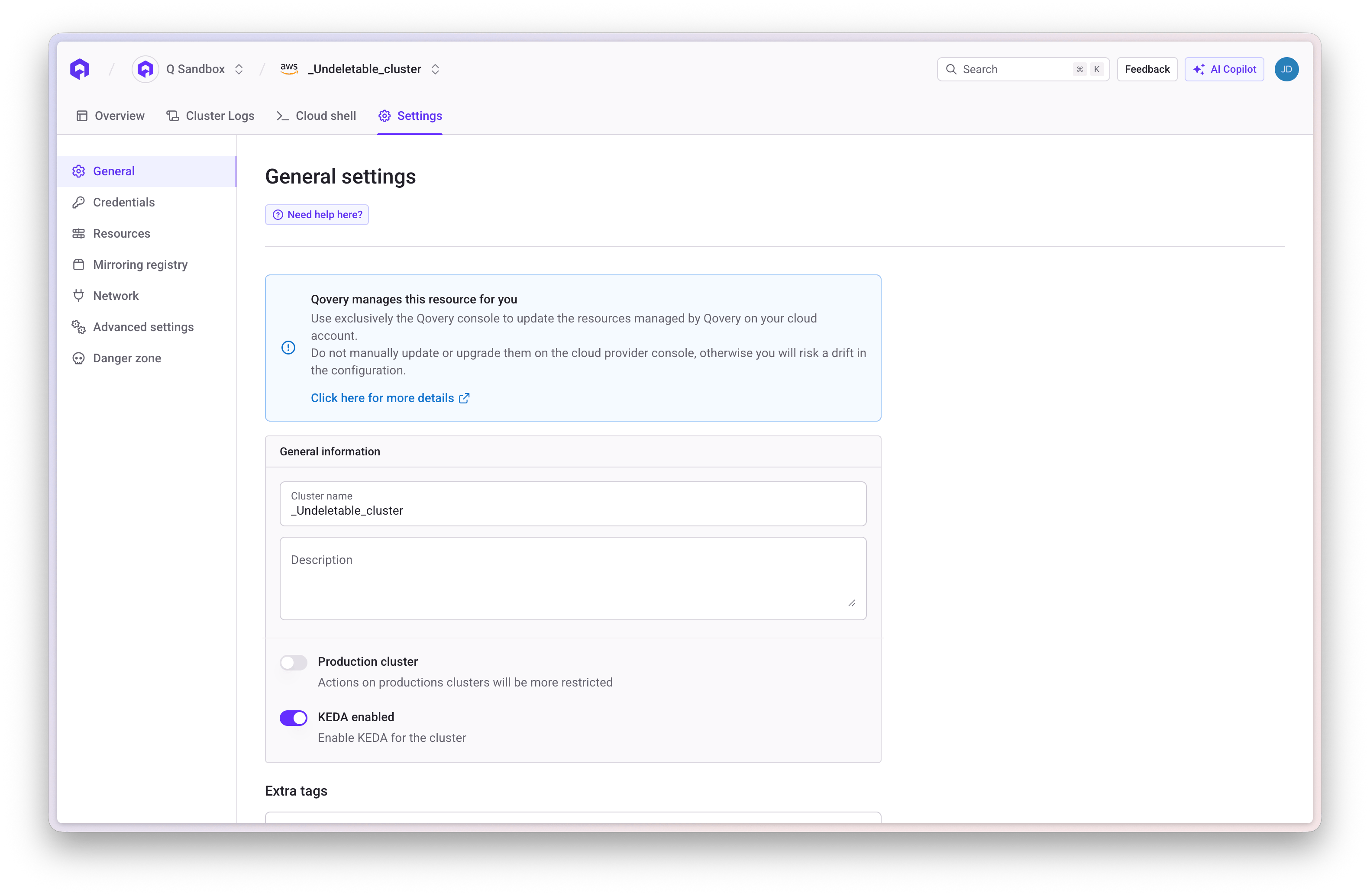
Prerequisite: Enable KEDA at Cluster LevelBefore using event-driven autoscaling, KEDA must be enabled on your cluster:
Navigate to your cluster settings
Go to the Add-ons tab
Enable the KEDA option
Redeploy your cluster for the changes to take effect
What is KEDA?KEDA (Kubernetes Event-Driven Autoscaler) extends Kubernetes autoscaling capabilities by scaling based on external metrics and events rather than just CPU/memory.Use Cases:
Direct migration from HPA to KEDA is blocked. The reason is a Kubernetes conflict: both HPA and KEDA’s ScaledObject target the same Deployment replica count simultaneously, causing unpredictable scaling behavior.The required migration path is HPA → No Scaling → KEDA:
Switch your application to No autoscaling (fixed instances) mode and save
Redeploy — this removes the HPA resource from the cluster
Switch to KEDA (Event-Driven) mode and configure your scalers
Minimum instances: Baseline number of pods (minimum: 0 for scale-to-zero)
Maximum instances: Upper scaling limit
Optional Settings:
Polling interval: How often KEDA checks the event source (default: 30 seconds)
Cooldown period: Wait time before scaling down after scale-up (default: 300 seconds)
Scale-to-Zero: KEDA supports setting minimum instances to 0, allowing your application to scale down completely when there are no events. When events are detected, KEDA automatically scales up from 0 to handle the workload. This is ideal for cost optimization on sporadic workloads.
Multiple scalers behavior: If you configure multiple scalers, KEDA uses the scaler that calculates the highest target number of instances. For example, if Scaler A monitors a queue with 15 messages and calculates 15 target instances (1 message per instance), and Scaler B monitors a queue with 50 messages and calculates 5 target instances (10 messages per instance), KEDA scales to 15 instances (the higher target).
Each scaler monitors a specific event source. You can add multiple scalers to respond to different metrics.
Built-in scalers only: Qovery currently supports KEDA’s built-in scalers. External scalers are not supported at this time.
For Each Scaler:
Scaler Type: The event source type (e.g., aws-sqs-queue, rabbitmq, kafka, prometheus)
Scaler YAML Configuration: Source-specific parameters in YAML format
Trigger Authentication YAML (Optional): Authentication credentials if required
Scaler YAML Configuration accepts the following fields:
metadata - Scaler-specific parameters (required). Each scaler type has different metadata fields. See the KEDA Scalers documentation for available parameters per scaler type.
metricType - Metric target type: Value, AverageValue, or Utilization (optional)
useCachedMetrics - Whether to use cached metrics (optional, boolean)
KEDA supports multiple authentication methods. Each scaler type supports a subset of these methods.Common Authentication Methods:1. podIdentity - Use IAM roles (AWS) or managed identities (Azure)
podIdentity:
  provider: aws  # or azure
  identityOwner: workload  # inherit from application service account
  # OR
  roleArn: arn:aws:iam::123456789012:role/MyRole  # specify role directly
2. secretTargetRef - Reference Qovery environment variables or secrets
secretTargetRef:
  - parameter: connectionString  # Parameter name defined by the scaler
    key: qovery.env.MY_CONNECTION_STRING  # Qovery variable reference
Use qovery.env.VARIABLE_NAME to reference environment variables or secrets defined in your Qovery application.
Replace <account-id>, <region>, <oidc-id>, <your-namespace>, and <service-account-name> with your specific values. The key addition is the keda-operator service account in the trust relationship.
With identityOwner: workload, KEDA automatically inherits the IAM role from your application’s service account. This requires the trust relationship configuration from Step 3.
Replace <account-id>, <region>, and <oidc-id> with your AWS account ID, EKS region, and OIDC provider ID. You can find the OIDC provider URL in your EKS cluster details under the Configuration tab.
After completing the AWS configuration steps above, configure the KEDA scaler in Qovery with the IAM role ARN you created.Scaler YAML (paste in “Configuration YAML” field):
Scale your application based on Redis list length or stream lag.Scaler Types:
redis - For Redis lists
redis-streams - For Redis streams
Authentication:
Redis does NOT use IAM authentication. You can provide credentials directly in the configuration or reference Qovery environment variables/secrets.Scaler YAML Example (paste in “Configuration YAML” field):
Scale your application based on RabbitMQ queue depth.Authentication:
RabbitMQ does NOT use IAM authentication. You can provide credentials directly in the configuration or reference Qovery environment variables/secrets.Scaler YAML Example (paste in “Configuration YAML” field):
You can reference Qovery environment variables or secrets using qovery.env.VARIABLE_NAME, or provide the connection string directly in the YAML configuration. The RabbitMQ URL format is: amqp://user:password@rabbitmq.example.com:5672/vhost
Configuration Parameters:
protocol - Connection protocol: amqp or http (optional, default: amqp)
queueName - Name of the RabbitMQ queue to monitor
mode - Scaling mode: QueueLength (default) or MessageRate
Testing your KEDA configuration: Start with a low queueLength value and a small maxInstances to test scaling behavior. Monitor your application logs and KEDA operator logs to verify scaling triggers work as expected.
For HTTP and gRPC protocols, the external port is set to 443 by default with
automatic TLS.
Connection Timeouts: Connections on public ports are automatically closed
after 60 seconds by default. Configure custom timeouts in advanced settings
for long-lived connections.
TCP/UDP Ports: Exposing TCP/UDP ports publicly requires provisioning a
dedicated load balancer, which takes approximately 15 minutes and incurs
additional cloud provider costs.