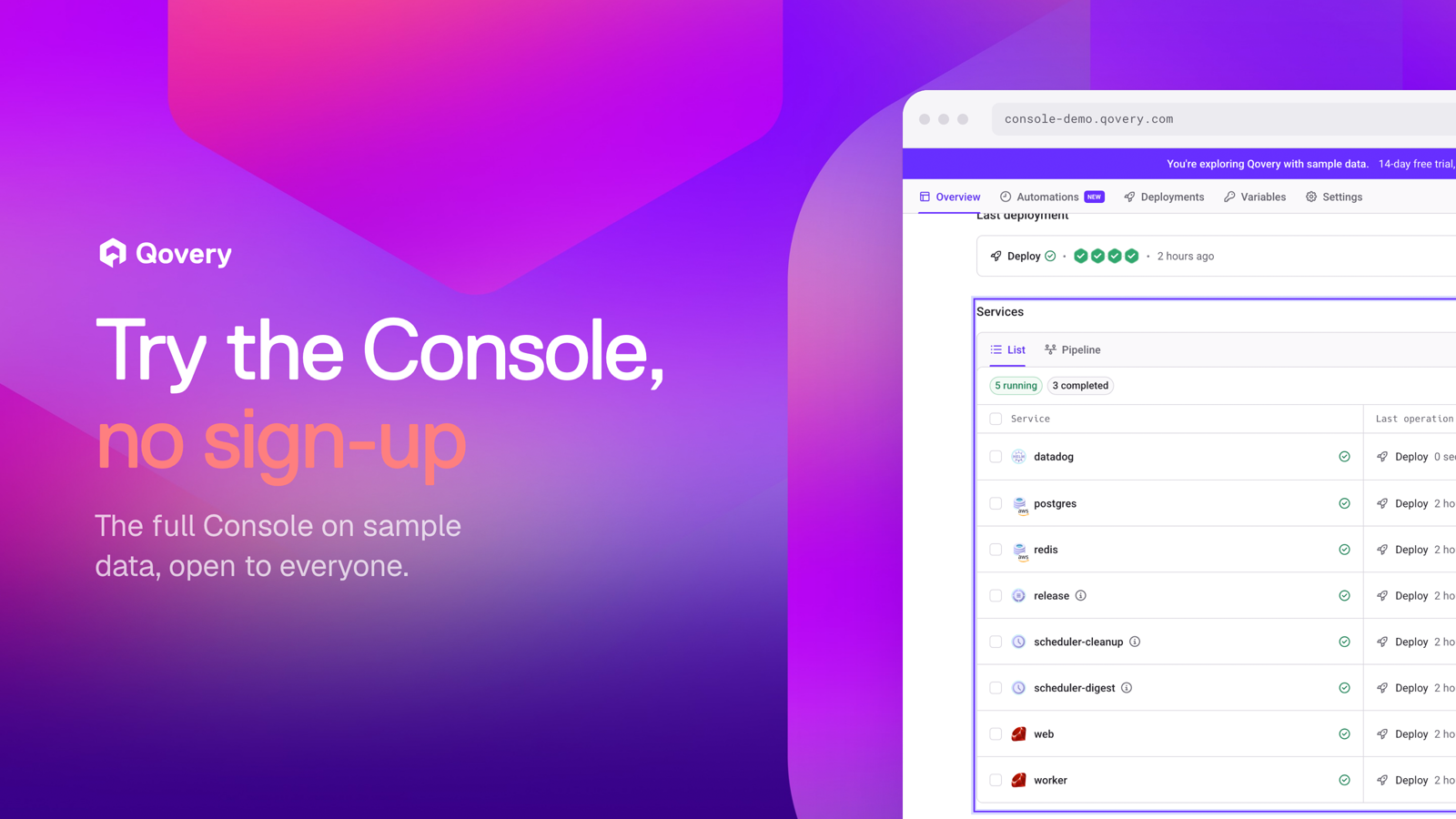
The Qovery Console demo is open to everyone at console-demo.qovery.com. No account, no credit card, no cloud credentials: the full Console on sample data, with seven short product tours.
Until now, seeing the Qovery Console meant one of two things: booking a call with us, or creating an account and connecting a cloud account before seeing a single deployed service. Both are fine once you know you want Qovery. Neither works when you only want to check what the product looks like.
So we opened the Console demo to everyone. You land in the full Console, already filled with clusters, environments and services, and you can click around without giving us your email.
The real Console, on sample data
The demo runs the same Console our customers use, on sample data. The organizations, clusters, services, deployments and logs belong to fictional companies, so every page has something on it: running services, a deployment history, metrics, audit logs, preview environments for open pull requests.
A banner at the top reminds you that you are exploring sample data. When you try an action that needs a real cloud account, like deploying your own repository, the demo explains what would happen and how to do it with a free trial.
Seven tours of the main capabilities
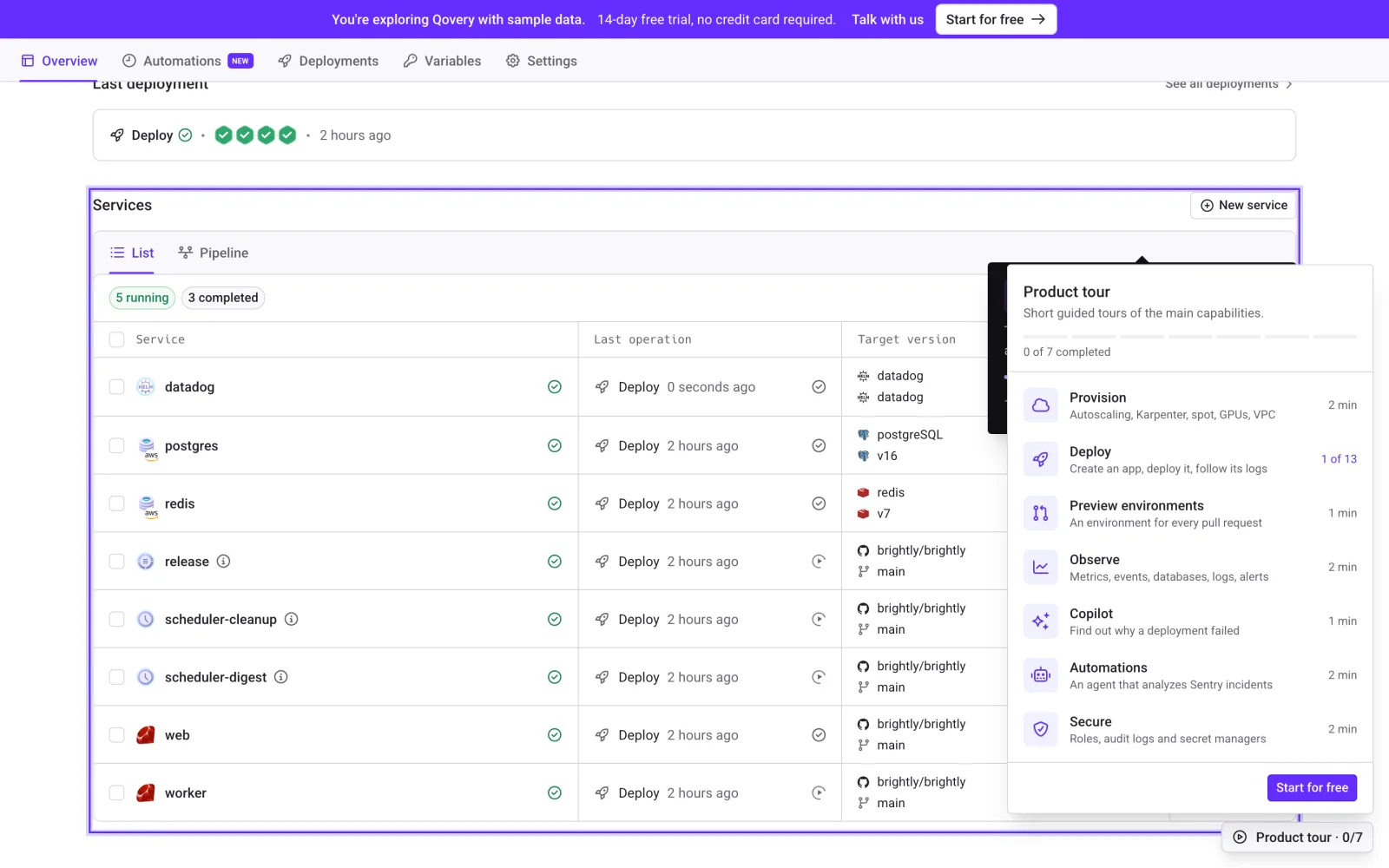
If you prefer to be guided, open the product tour from the bottom-right corner. Each tour takes one or two minutes:
Provision. Clusters with autoscaling, Karpenter, spot instances, GPUs and your own VPC.
Deploy. Create an app, deploy it and follow its logs.
Preview environments. An environment for every pull request.
Observe. Metrics, events, databases, logs and alerts.
Copilot. Find out why a deployment failed.
Automations. An agent that analyzes Sentry incidents.
Secure. Roles, audit logs and secret managers.
The product tour menu in the Console demo: seven short tours of the main capabilities, on a sample production environment.
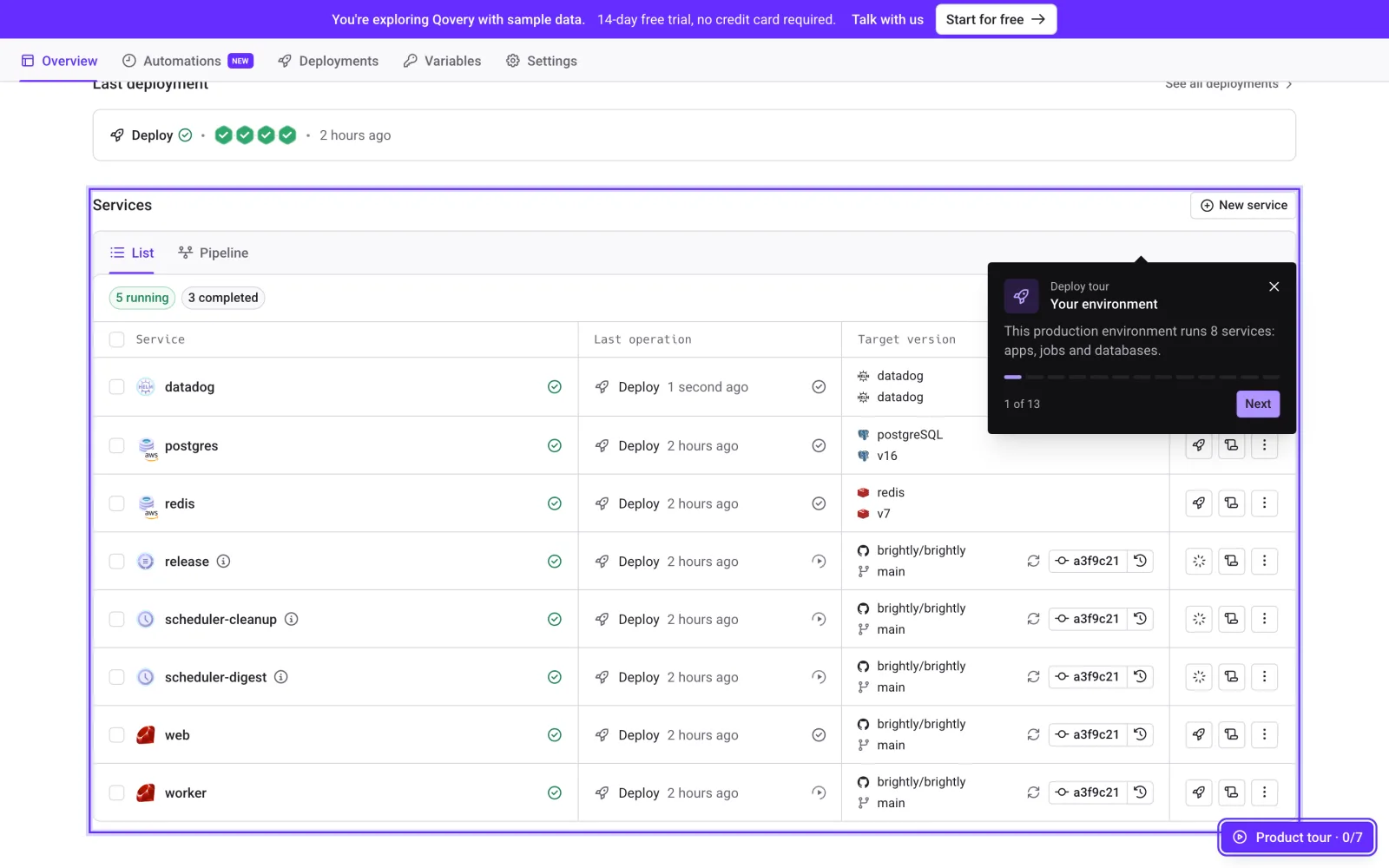
Each tour highlights the part of the screen it talks about and moves through the Console step by step. You can stop at any point and keep exploring on your own.
The first step of the Deploy tour, on a sample production environment with apps, jobs and databases.
Open the Console demo.
No sign-up and no cloud account needed. Explore the full Console on sample data, then start a 14-day free trial when you want to deploy for real.
The demo is for people who are evaluating Qovery and want to see the product. For teams that already use Qovery and want to onboard new engineers, we built Qovery Training, a sandbox with lessons, tasks and team progress.
Try it
Open console-demo.qovery.com and start with the Deploy tour. When you want to deploy your own app on your own cloud account, the 14-day free trial needs no credit card.
Romaric founded Qovery to make Kubernetes accessible to every engineering team. He writes about platform strategy, developer experience, and the future of cloud infrastructure.
Next step
Open the Console demo.
No sign-up and no cloud account needed. Explore the full Console on sample data, then start a 14-day free trial when you want to deploy for real.