Evaluating a VMware exit strategy? Read our objective 2026 guide comparing Nutanix, Proxmox, Hyper-V, and the push to modernize with cloud-native containers.
For decades, VMware vSphere was the undisputed gold standard of the datacenter. But the landscape has abruptly shifted. Following the Broadcom acquisition, the transition to bundled subscription licensing has introduced steep price hikes and uncertainty for the mid-market and enterprise alike.
If you are evaluating an exit strategy in 2026, you generally have two choices:
The "Lift and Shift" (Lateral Move): Swap ESXi for another hypervisor to keep running your legacy VMs. You save on licensing, but keep the operational overhead.
The "Modernization" (Vertical Move): Stop managing heavy VMs entirely and refactor your applications into cloud-native containers.
To help you navigate this transition, we have ranked the top 10 VMware alternatives based on long-term ROI, operational efficiency, and future-readiness.
Tool
Best For
Strategy
1. Qovery
Escaping the "VM Tax" by moving to cloud-native containers.
Modernize
2. Proxmox
Cost-conscious teams wanting a free, direct ESXi replacement.
Direct Swap
3. Nutanix
Enterprises wanting a supported vSphere alternative.
Direct Swap
4. Harvester
Running legacy VMs and Containers side-by-side.
Hybrid Bridge
5. OpenShift Virt
Red Hat customers needing to manage legacy VMs.
Hybrid Bridge
6. XCP-ng
Citrix/Xen users wanting an open-source alternative.
Direct Swap
7. Hyper-V
Windows-heavy shops (bundled with Server OS).
Direct Swap
8. Public Cloud
Shutting down the datacenter entirely (Lift + Shift).
Direct Swap
9. OpenStack
Building a private cloud on-premise (High Complexity).
Direct Swap
10. VergeIO
Simplifying the stack for mid-market IT (SAN-less).
Direct Swap
1. Qovery – The Modernization Alternative
Strategy: Escape the "VM Tax" Entirely
Best For: Teams wanting to stop managing virtual machines and focus on application delivery.
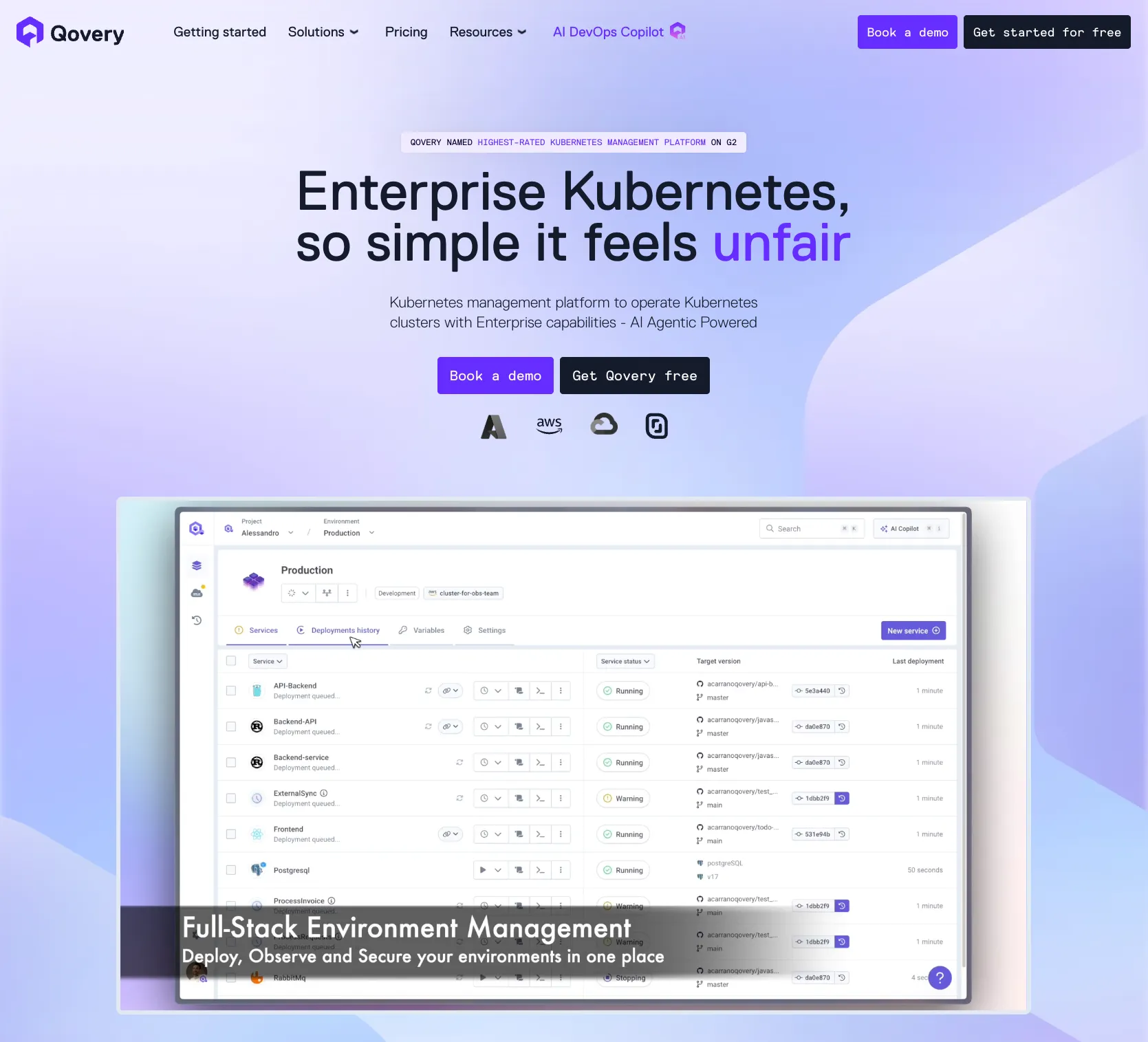
Instead of looking for a cheaper way to run heavy Virtual Machines, the highest-ROI move is often to stop using them altogether. Qovery is a Kubernetes management platform that allows you to run your applications as lightweight, auto-scaling containers on top of managed Kubernetes in your own cloud account (AWS, Azure, GCP).
Pros:
Zero Guest OS Management: You no longer need to patch Windows or Linux kernels for every single application.
Density & Cost: Containers share the OS kernel, allowing you to run significantly more applications on the same compute footprint compared to heavy VMs.
Developer Velocity: Developers can spin up full, ephemeral clone environments for testing in seconds-something virtually impossible with traditional VMs.
Cons:
Requires Containerization: You cannot run a monolithic, legacy "Pet" VM (like an old Windows Server 2012 AD controller) on Qovery. Applications must be containerized (e.g., Docker) first.
2. Nutanix AHV (The Enterprise HCI Swap)
Strategy: Direct Hypervisor Replacement
Best For: Large enterprises that need a "safe" switch with full support.
If you absolutely must keep running VMs, Nutanix is the closest 1:1 competitor to VMware. Their Acropolis Hypervisor (AHV) is tightly integrated into their Hyper-Converged Infrastructure (HCI) software stack.
Pros: Exceptional migration tooling (Nutanix Move) and a "one-click" management experience through Prism Central that rivals vCenter.
Cons: You are trading one premium vendor for another. Nutanix is a vertically integrated stack, which can lead to similar vendor lock-in and high enterprise costs down the road.
3. Proxmox VE (The Open-Source Swap)
Strategy: Direct Hypervisor Replacement
Best For: Cost-conscious teams wanting a free, direct ESXi replacement.
Proxmox combines the KVM hypervisor and LXC containers under a single, user-friendly web interface. It has become the go-to budget alternative for teams fleeing high licensing fees.
Pros: It is open-source with no mandatory licensing fees (paid enterprise support is optional). It includes built-in backup and clustering capabilities natively.
Cons: The third-party vendor ecosystem (especially for enterprise backup integrations like Veeam or Rubrik) is still catching up compared to VMware.
4. Microsoft Hyper-V
Strategy: Direct Hypervisor Replacement
Best For: Windows-heavy shops.
If you are heavily invested in the Microsoft ecosystem (Active Directory, Windows Server), Hyper-V is a native, highly capable Type-1 hypervisor.
Pros: Often "free" if you already pay for Windows Server Datacenter edition. Deep integration with Azure (via Azure Stack HCI) for hybrid deployments.
Cons: You still pay the "OS tax" for underlying Windows licensing, and historically, Linux VM performance and management are not as seamless as on KVM or ESXi.
5. Red Hat OpenShift Virtualization
Strategy: The Hybrid Bridge
Best For: Red Hat customers who need to run VMs alongside containers.
Based on the open-source KubeVirt project, this allows you to run traditional Virtual Machines directly alongside containers within Red Hat's Kubernetes platform.
Pros: A single pane of glass to manage both legacy SQL servers and modern microservices.
Cons: OpenShift is notoriously heavy, complex, and requires a steep learning curve for traditional vSphere admins who aren't familiar with Kubernetes constructs. If you go this route, a Kubernetes management platform can hide most of that complexity from developers.
6. XCP-ng / XenServer
Strategy: Direct Hypervisor Replacement
Best For: Citrix/Xen users wanting an open-source alternative.
Originally powered by Citrix and the Xen hypervisor, XCP-ng is an open-source, high-performance virtualization platform.
Pros: Excellent for graphics-heavy workloads, Virtual Desktop Infrastructure (VDI), and environments requiring deep GPU passthrough.
Cons: The broader ecosystem is smaller than KVM-based platforms, and managing it at scale often requires the separate Xen Orchestra web interface.
7. Harvester (by SUSE)
Strategy: The Hybrid Bridge
Best For: Teams transitioning to Kubernetes but tethered to legacy VMs.
Harvester is an open-source HCI solution built entirely on cloud-native technologies (Kubernetes, Longhorn, KubeVirt) but designed to feel like traditional vCenter.
Pros: Provides a future-proof path to gradually migrate legacy VMs to containers over time.
Cons: It is a relatively new project. It lacks the decades of battle-tested edge cases and deep hardware compatibility lists of ESXi.
8. VergeIO
Strategy: Direct Hypervisor Replacement
Best For: Mid-market teams wanting a simpler "SAN-less" alternative.
VergeIO collapses compute, networking, and storage into an incredibly lightweight, unified software platform, aimed directly at mid-market VMware defectors.
Pros: Extremely efficient codebase that extends the life of older hardware. Very simple deployment model.
Cons: A much smaller market share and ecosystem compared to tech giants like Microsoft or Nutanix.
9. OpenStack
Strategy: Direct Hypervisor Replacement
Best For: Telecoms and massive research labs building a "Private Cloud."
OpenStack is a complex suite of software tools to build an AWS-like private cloud in your own datacenter.
Pros: Absolute control over every layer of your stack with zero vendor lock-in.
Cons: Massively complex. It requires a dedicated, highly skilled engineering team just to maintain the control plane.
10. Public Cloud (AWS EC2 / Azure VMs)
Strategy: Lift and Shift
Best For: Shutting down the datacenter entirely.
The ultimate "lift and shift" is uploading your VM files directly to a hyperscaler.
Pros: Zero hardware maintenance, no physical networking to manage, and infinite scalability.
Cons: Cost shock. Running a static, legacy VM 24/7 in the public cloud is almost always significantly more expensive than running it on-premise.
Conclusion: Don't Pay the "VM Tax" Forever
If you have legacy monolithic applications that simply cannot be containerized, choosing a direct hypervisor replacement like Proxmox or Nutanix is your best bet.
However, moving to another hypervisor is just a temporary bandage. The Broadcom acquisition is a signal to modernize. If you are ready to eliminate OS overhead and give your developers self-service infrastructure, it is time to move from static VMs to auto-scaling containers - ideally through a Kubernetes management platform that automates DevOps and delivery pipelines for you.
Frequently asked questions
What are the best VMware alternatives in 2026?
The top choices depend on your strategy. For a direct hypervisor swap, Proxmox (open-source) and Nutanix AHV (enterprise) are the closest replacements for ESXi/vSphere. For modernization, moving applications to cloud-native containers on a Kubernetes management platform like Qovery delivers the highest long-term ROI by eliminating VM management entirely.
Why are companies leaving VMware?
Following the Broadcom acquisition, VMware moved to bundled subscription licensing, causing steep price increases and contract uncertainty for mid-market and enterprise customers. This "VM tax" has pushed many organizations to evaluate cheaper hypervisors or to modernize onto containers altogether.
Is Proxmox a good replacement for VMware ESXi?
Yes, for cost-conscious teams. Proxmox VE combines the KVM hypervisor and LXC containers under one web interface with no mandatory licensing fees, built-in backup, and native clustering. Its main gap is a smaller third-party ecosystem for enterprise backup integrations compared to VMware.
Should I switch hypervisors or move to containers?
Switching hypervisors (Proxmox, Nutanix) is a lateral move: you cut licensing costs but keep the operational overhead of managing VMs. Moving to containers is a vertical move that eliminates guest-OS patching, improves density, and unlocks self-service DevOps automation - but it requires containerizing your applications first.
Melanie leads content at Qovery. She covers platform engineering trends, Kubernetes operations, FinOps, and the tools that help engineering teams ship faster.
Next step
Agents ship fast. Guardrails keep them safe.
Qovery ensures every agent action is scoped, audited, and policy-checked. Start deploying in under 10 minutes.