


Bridge the gap between medical R&D and live care
Deploy a standardized, HIPAA-ready infrastructure that connects fragmented clinical workflows across global healthcare networks. 3x faster deployment of AI models into clinical environments.












Scale innovation without compromising clinical integrity

Accelerate Time-to-Clinic
Global market access
Operational focus
Book a demo
Life-critical availability and sovereignty


The infrastructure for clinical AI Agents
Industrialize AI workloads
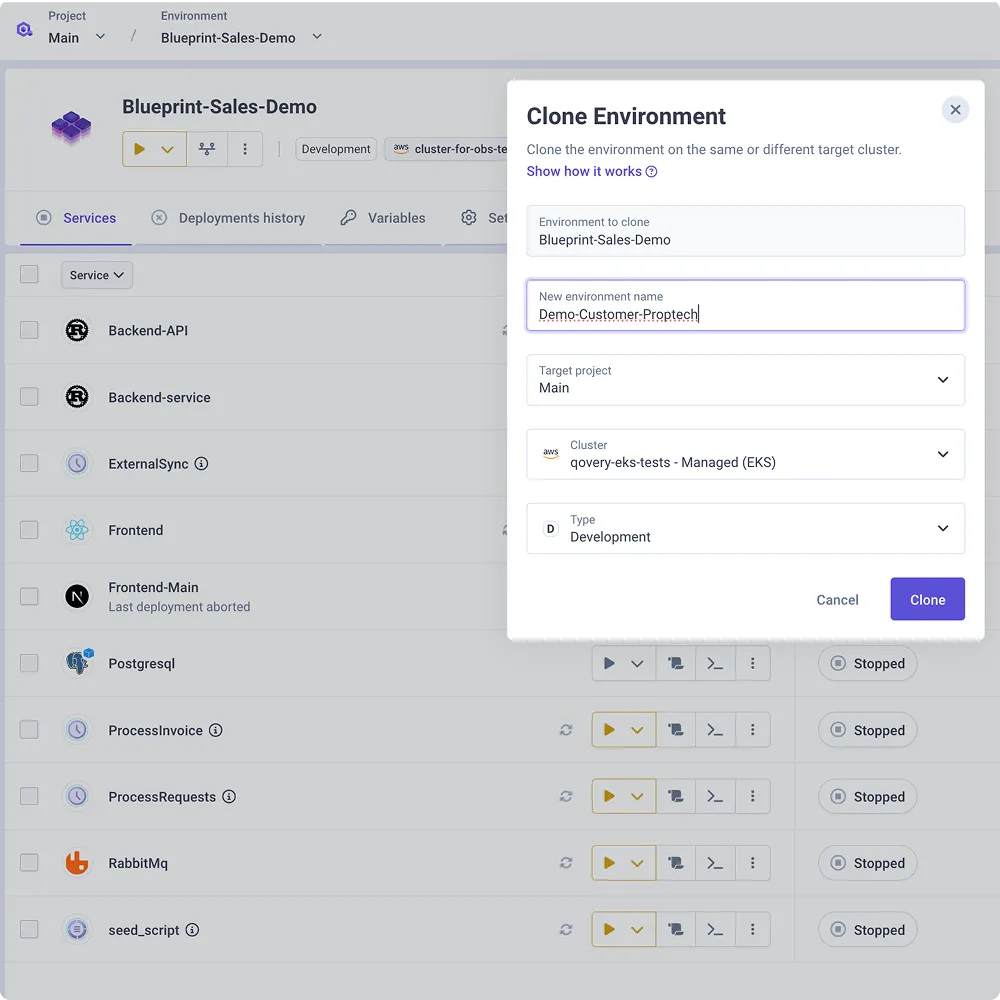
Automate the provisioning of GPU-enabled nodes and high-compute environments using a single, standardized workflow.
Secure model execution
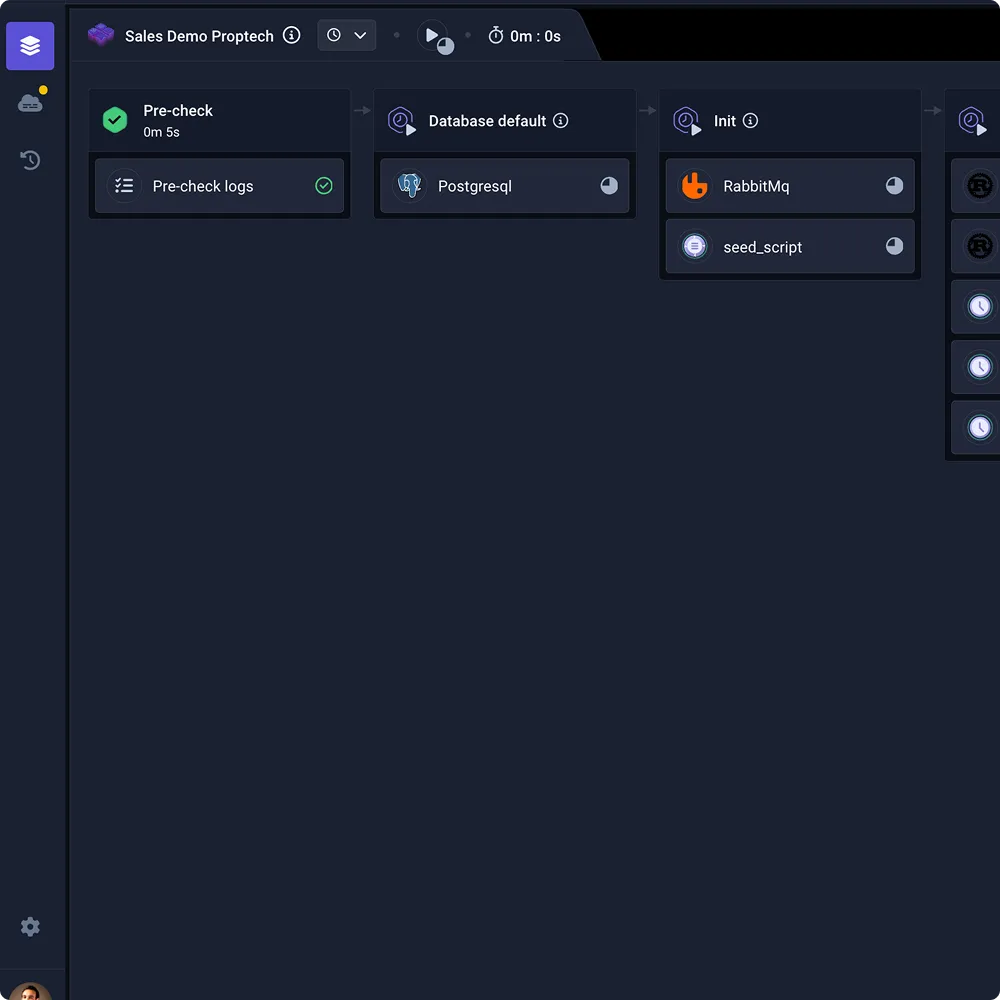
Deploy AI models and agents within your own VPC. Maintain control with granular RBAC and immutable logs to ensure compliance with regulatory guardrails.
Cost-efficient scaling
Scale high-performance compute for heavy inference and automatically scale to zero when the task is complete to eliminate cloud waste.
Private AI processing:
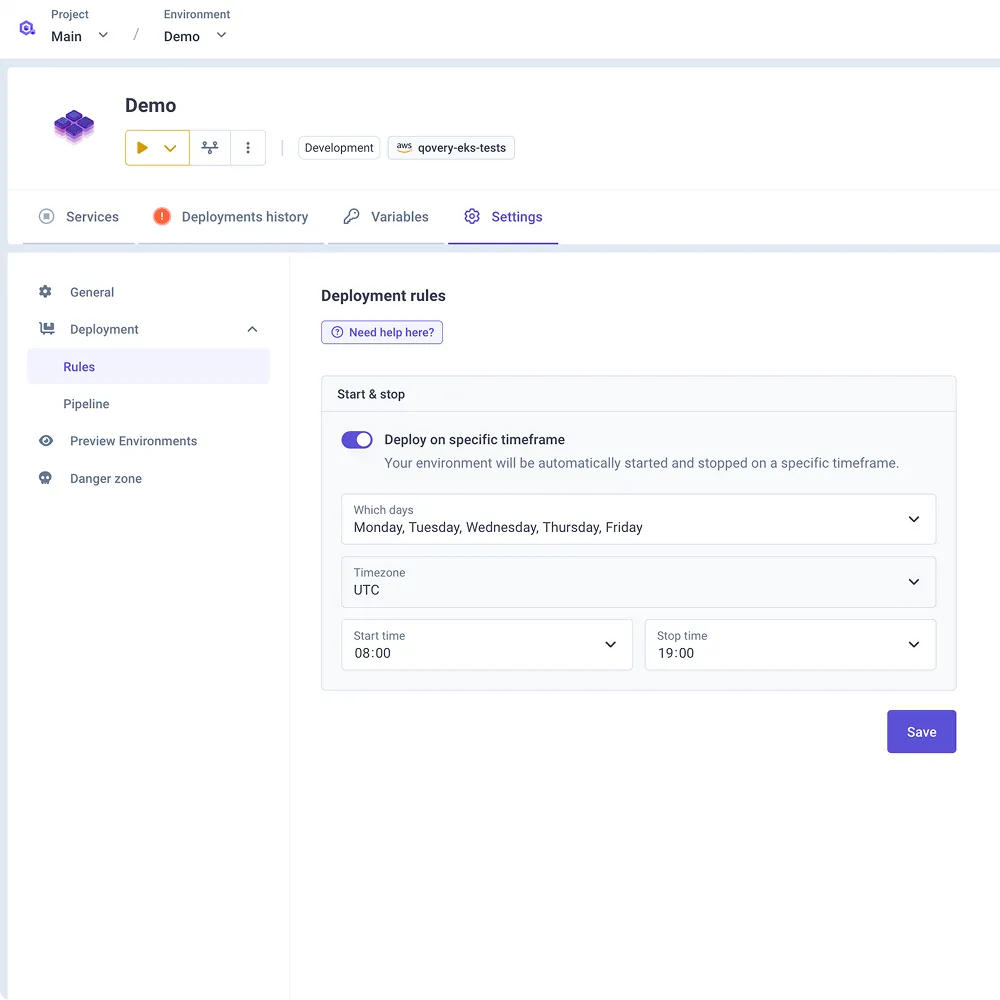
Run LLMs and diagnostic models within your own hardened VPC. Ensure PII and clinical data never touch external AI provider logs.
.webp)

Suggested articles


Trusted and recognized by the market




.webp)

Qovery is a cloud platform that simplifies the deployment and management of applications. It allows developers to focus on writing code while automating the infrastructure management process. With Qovery, you can easily deploy your applications to various cloud providers without the need for extensive configuration.
It is possible to access Qovery through different interfaces, such as the CLI, API, Web UI, Terraform provide, or client libraries in Typescript, JavaScript, GO for example.
Qovery works by providing a user-friendly interface that integrates with your existing code repositories. Once you connect your repository, Qovery automatically builds and deploys your application. It manages the underlying infrastructure, scaling, and monitoring, allowing you to concentrate on development.
To get started with Qovery, simply sign up for an account on their website. After creating an account, you can connect your code repository and follow the guided setup process to deploy your first application. The platform provides documentation and tutorials to help you along the way.