Q1 2023 Product Retrospective - Last Quarter's Top Features
The first quarter of the year is ending, and even though we have plenty of news in stock for the next one, it’s now time to go through our quarter retrospective. In case you missed anything, here are the most important releases of Q1!
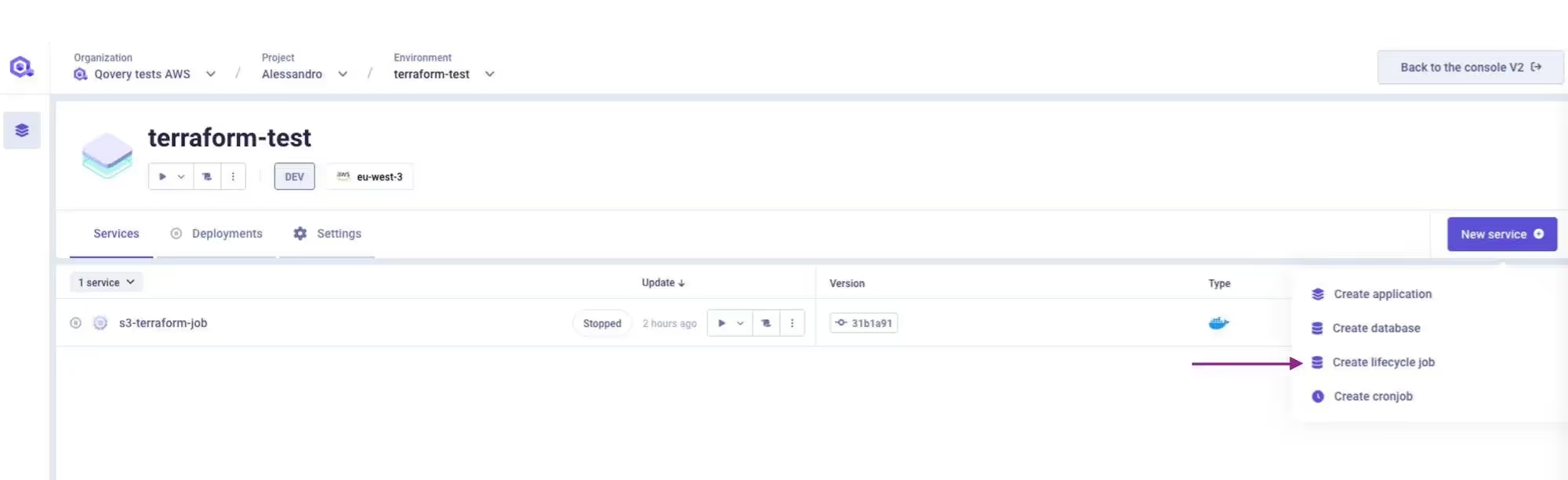
In order to extend the Qovery functionalities and let you deploy anything you want (via Terraform, Pulumi, custom code and more) we created the Lifecycle Jobs.
In this repository, Romaric shows you several ways you can use Lifecycle Jobs, which include:
Create and Destroy an AWS RDS instance with Terraform
Create and Destroy an AWS Lambda with Serverless
Create and Destroy an AWS EC2 instance with Pulumi
Lifecycle jobs run on a Kubernetes cluster and are executed only when a specified event occurs in the environment. The output files created by the job will be automatically set as environment variables for services within the same environment. These types of jobs are useful for tasks such as seeding a database or creating external resources not natively managed by Qovery.
Qovery allows you to create and deploy jobs from Git Repository or Container Registry.
Lifecycle Jobs
Cronjobs
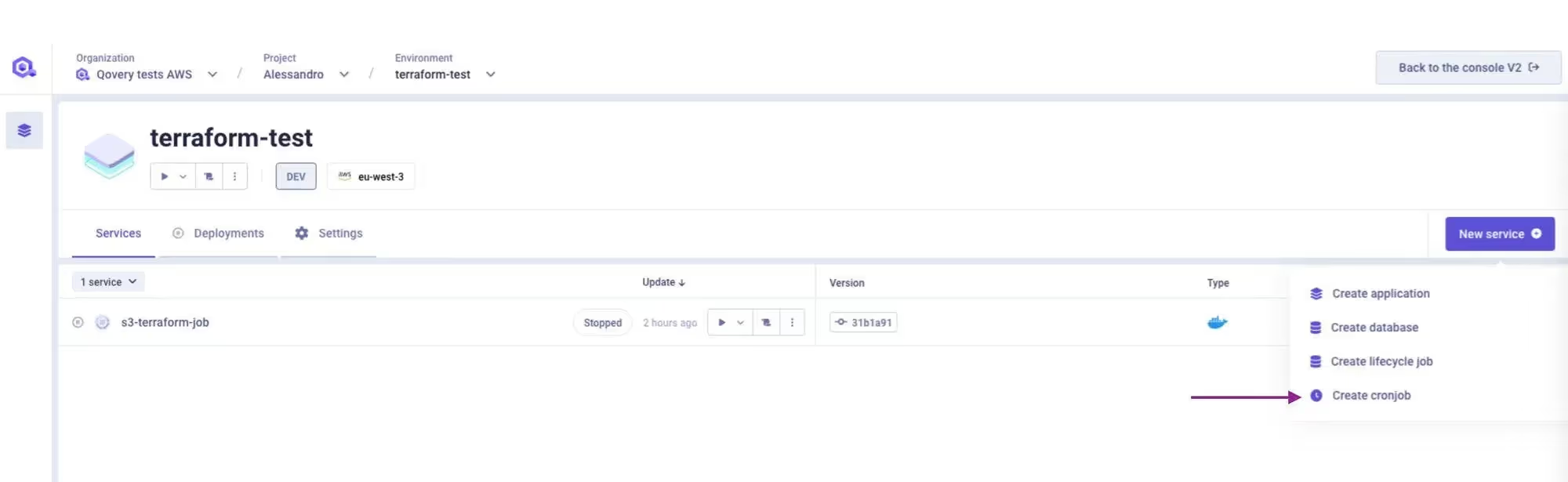
Alessandro, Lead Product Manager at Qovery, joined me during our November Demo Day to talk about Cronjobs, as it was highly expected by most of you. While the development of this feature just started then, I have the honor to inform you that Cronjobs are now available! 🤩
A cronjob is a type of workload that runs on a Kubernetes cluster on a regular schedule. It can be used to execute tasks on a regular basis, such as pulling data from an external service every hour or processing data in a database. Qovery's DevOps automation software allows users to create and deploy Cronjobs from either a Git repository or a container registry.
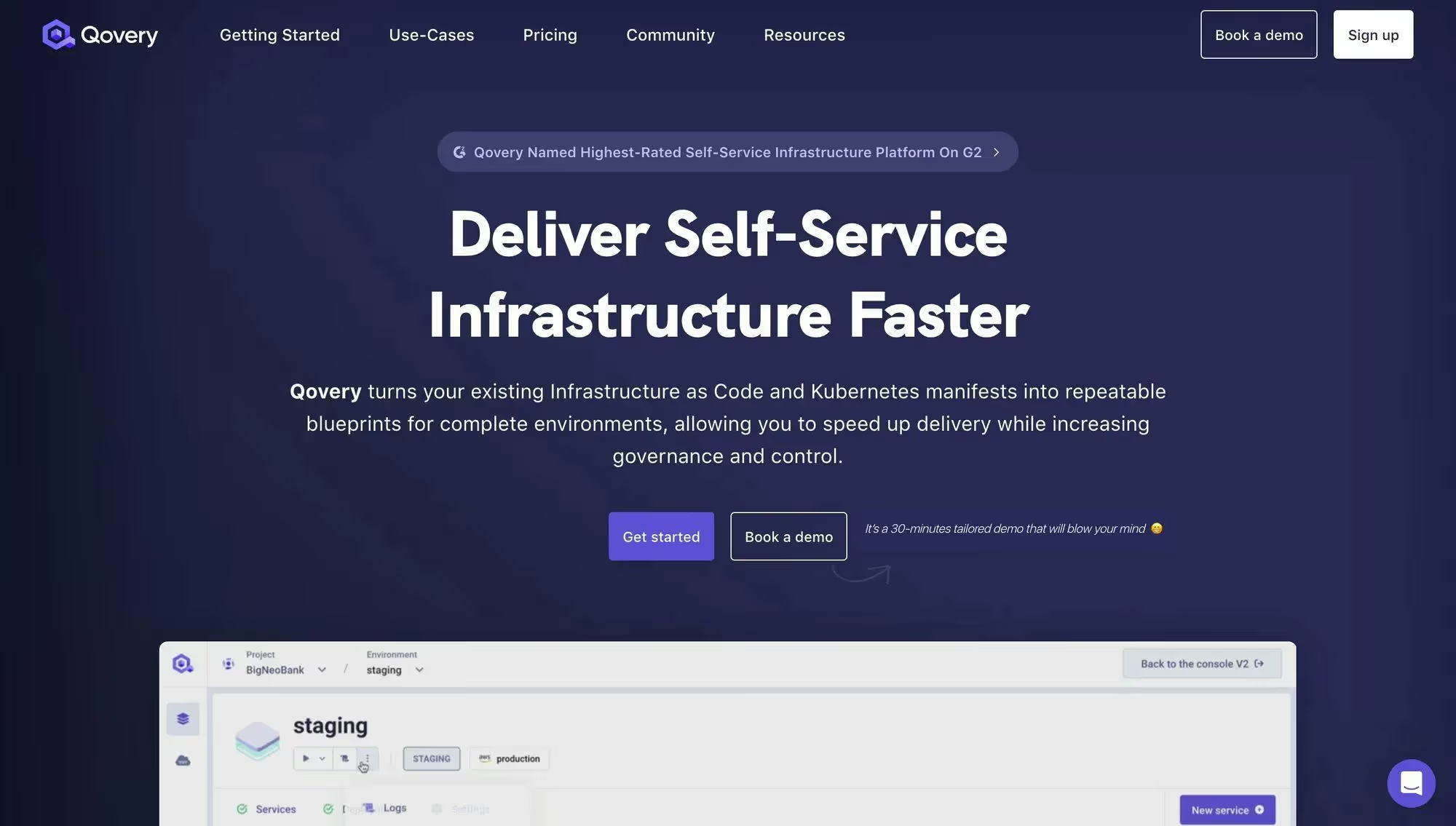
We are excited to announce a major update to our website with a brand new landing page. It has been 24 changelogs ago since our last landing page update, and it was time to give a fresh look to our website. To give you a better idea of what our V3 or our console looks like, if you haven’t tried it yet, we have also added a video showcasing the new features and design.
New Landing Page
Use AWS IAM Roles with Qovery
AWS IAM (Identity & Access Management) service allows AWS services to interact with each other by using roles. Those roles can easily be used to give permissions to your Qovery application, container, or job.
It is a secure way to give your application permissions without having to manage credentials. More than that, it rotates the token automatically.
This tutorial will show you how to add AWS IAM roles to your Qovery application, container, or job.
Kubernetes Upgrade - Moving to 1.23
As shared in our roadmap, we have been preparing all the necessary updates to migrate your cluster to the 1.23 version. Last week was the first step of this process, and 1.23 is now the default version for any new cluster. To know everything about this upgrade, check out this page on the Forum, where we will keep you updated and where you can ask any questions you might have about it.
Restart a Service
The Restart Service feature allows you to restart your service pods without having to deploy a change to make this happen. This feature is only available when the deployment status is Deployment OK and for individual services. To learn more about it, please refer to our Restart Service documentation.
Deployment Pipeline
I am excited to announce that our Deployment Pipeline feature is available globally now!
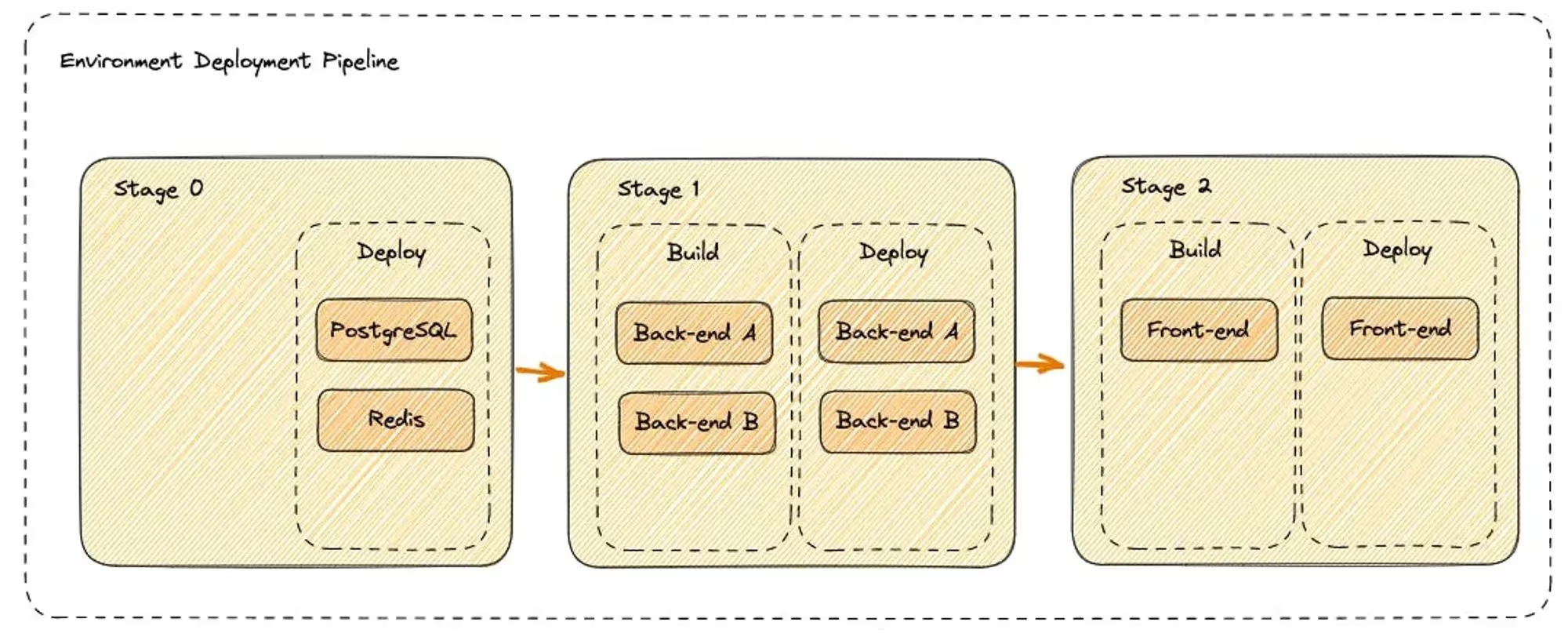
When an environment’s deployment is triggered, Qovery executes what we call the Deployment Pipeline. It defines which operation shall be performed to properly deploy every service defined within your environment (build, deploy, etc.)
A pipeline is composed of an ordered list of Deployment Stages. Each Stage has an execution order assigned within the pipeline: If stage A has an execution order lower than stage B, then B can be executed only if the execution of stage A is completed.
Below you can find a visual example of how the pipeline looks like:
Deployment Pipeline
Manage your Deployment Order with Qovery Deployment Pipeline
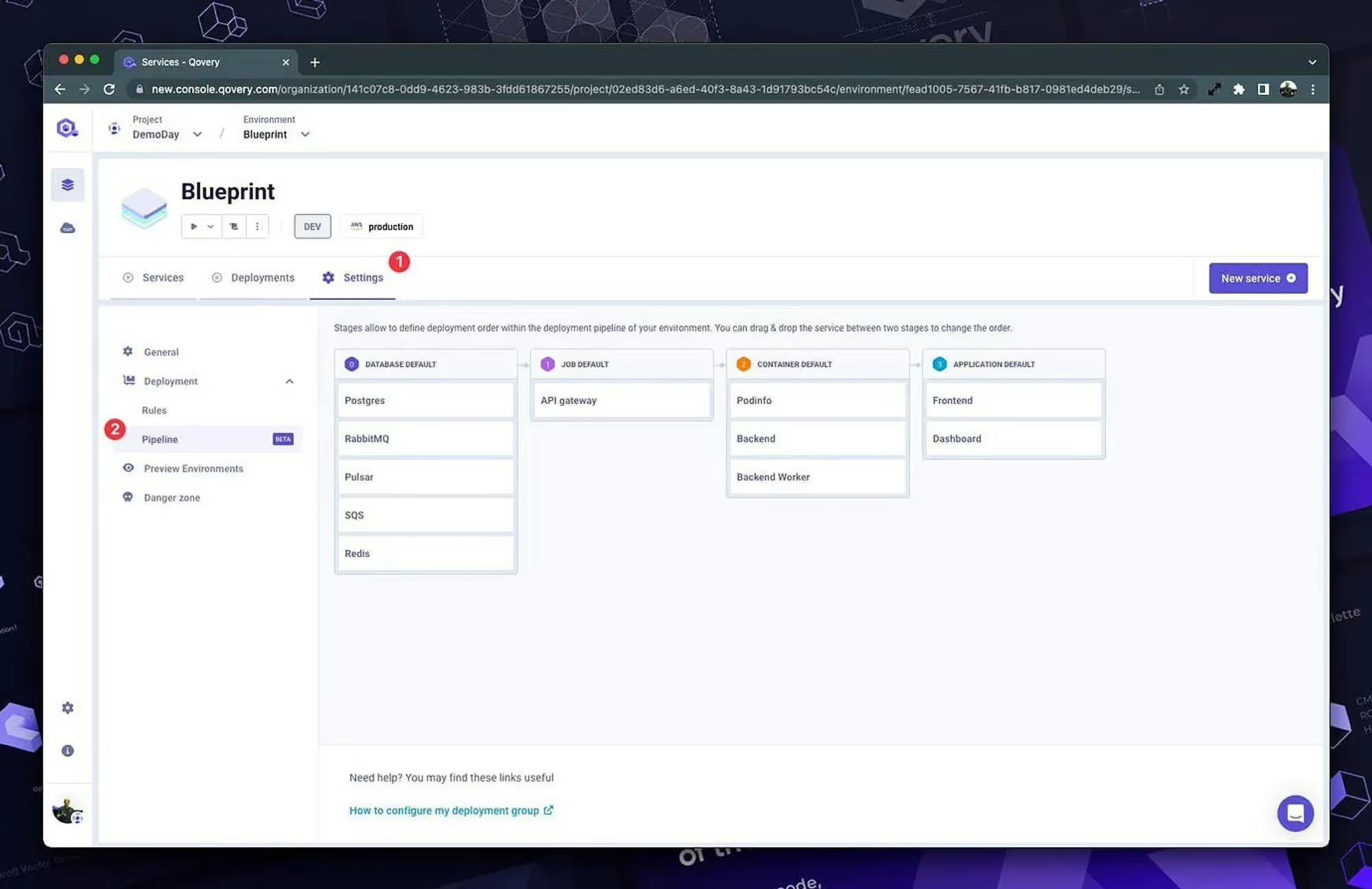
The Deployment Pipeline feature opens the door to much exciting news as we also make it possible to manage your deployment orders. In this forum thread, we went through every step of the process, and if you want to see how it looks in the interface, here is a sneak peek.
Manage Deployment Order
Deployment Stage Setup
Already started during the last sprint, you can now create and drag & drop stages; for more information, look at the Deployment Pipeline documentation.
Deployment Stage
Agents ship fast. Guardrails keep them safe.
Qovery ensures every agent action is scoped, audited, and policy-checked. Start deploying in under 10 minutes.
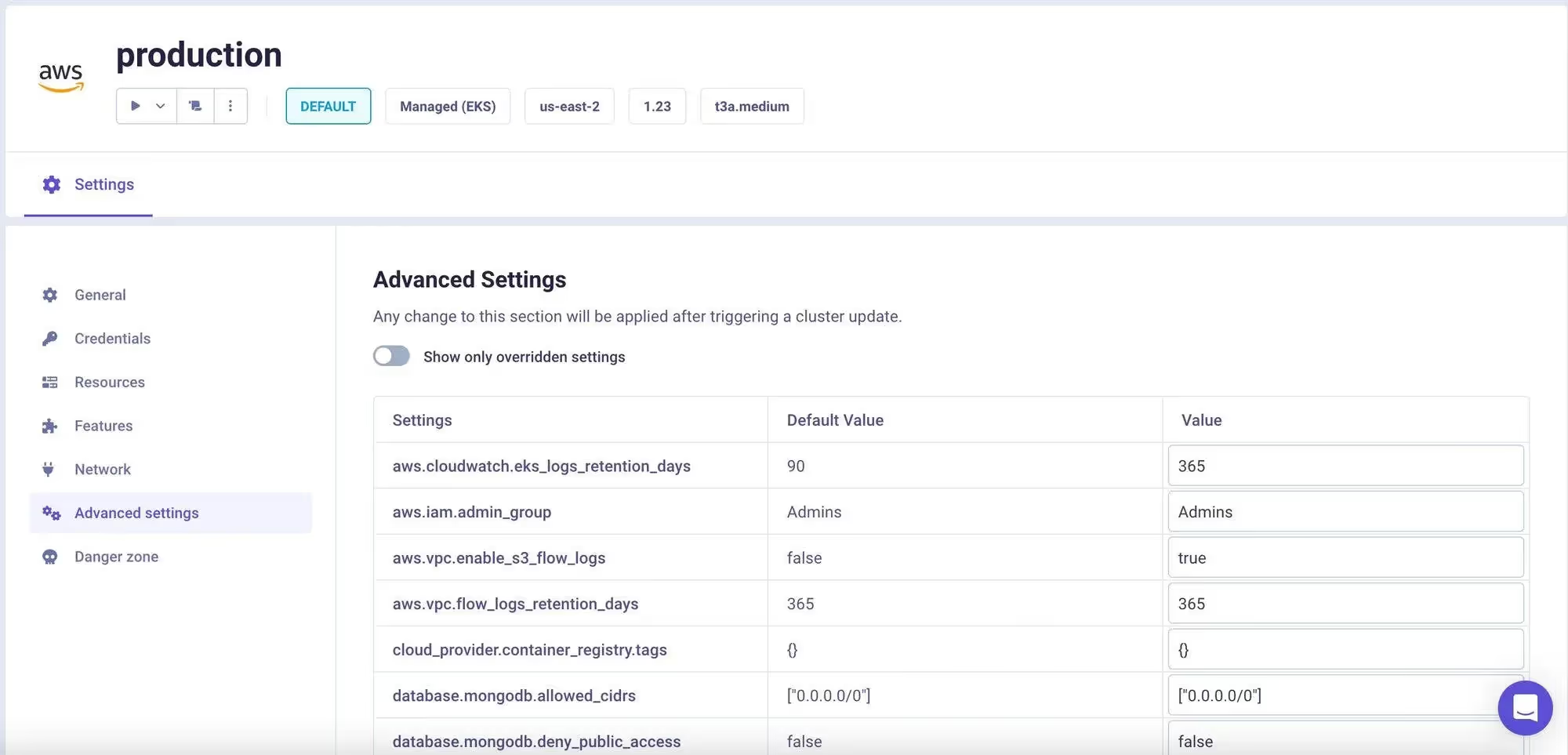
In the previous changelog, I announced that the Cluster Advanced Settings were available through the Qovery API endpoint. If that’s not your thing, I have the pleasure of announcing that it’s also available straight from the V3 interface so that you can fine-tune your Qovery infrastructure further! Here is the documentation for the Cluster Advanced Settings.
Cluster Advanced Settings
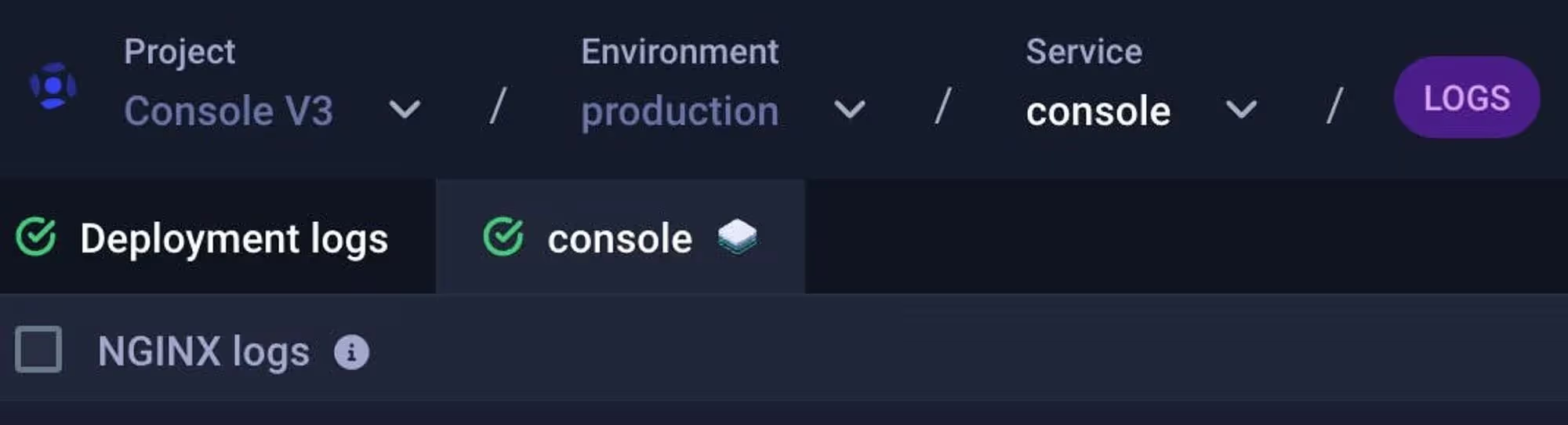
Nginx Logs View
Available only with at least one public port, this option in the application logs is here to help you debut; for more information about the logs format of Nginx, look at this documentation.
Nginx Logs View
Killing of V2
After adding the Billing and Plans our V3 console which was launched in Alpha testing in the summer and in Beta around the end of September was finally ready. So on the 15th of march, we did our last goodbye to the V2, meaning that the URL new.console.qovery.com is not used anymore as a redirect is now made to console.qovery.com.
Others
Environment Variables Interpolation
Pumped CLI
New Built-in Environment Variables
Advanced Settings Improvements
Deploy Helm Charts With Jobs
VPC Log Flow Support and its Retention Time
Secrets as File
EC2 Fixes
Force Run for Lifecycle Jobs and Cronjobs
Removed DigitalOcean Support
Cluster Advanced Settings Additions - Database
Billing & Plans V3
[Terraform Provider] Improvements
Improved Deployment Time in Case of Failure
Do you want to know what’s next? You can find our progression in the Changelog section of our website where we post every two weeks or checkout our public Roadmap to see everything that’s coming!