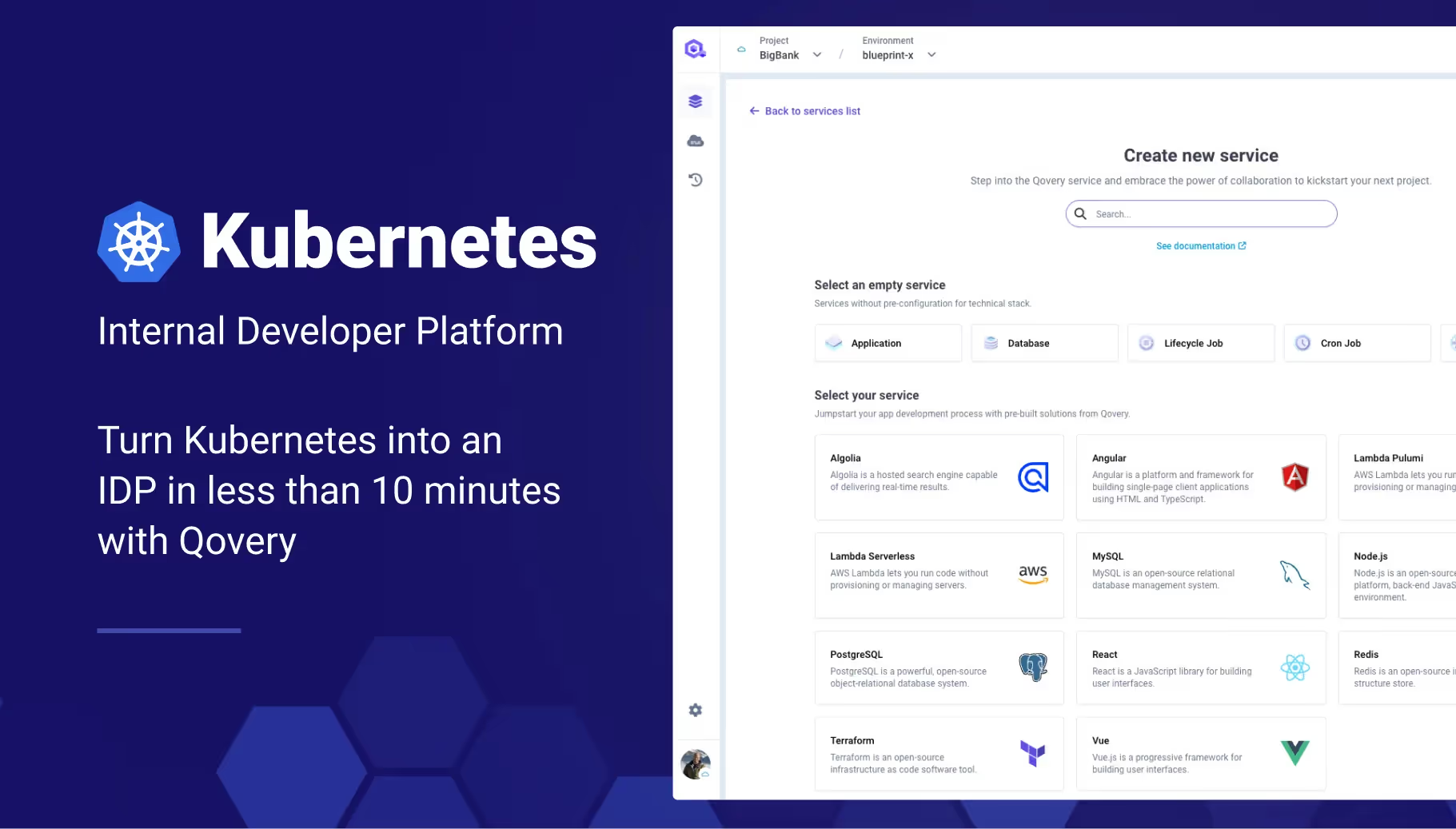
Transforming Kubernetes into an Internal Developer Platform in 10 Minutes
An Internal Developer Platform (IDP) is a powerful tool for providing self-service infrastructure for developers. It allows developers to manage application lifecycles without the constant need for IT team involvement, streamlining the process from development to production. With its widespread adoption, Kubernetes has become the standard for running application workloads across various organizations. However, its complexity often makes it less approachable for developers who need to focus on coding rather than managing infrastructure. That's where transforming Kubernetes into an IDP comes in, providing a developer-friendly layer that simplifies interactions with underlying resources. In this article, I will explain how to turn your Kubernetes cluster into an Internal Developer Platform with Qovery in just 10 minutes. Let's get started.
The Capabilities of an Internal Developer Platform like Qovery
Qovery stands out by enhancing the developer experience on Kubernetes. Which means providing...
For Software Engineers:
Service Catalog: Centralized management of services for easier access and control.
Ephemeral Environments: Provide isolated, temporary environments for safe testing of new features and to ensure stability in the main application.
Simplified SDLC: Automation of operational tasks related to application deployment and management, allowing developers to focus more on coding and less on configuration.
Unified Experience: Standardizes deployment processes across all projects, enforcing industry best practices and consistency.
Control and Visibility: Implements Role-Based Access Control (RBAC) to define clear access rights and responsibilities, coupled with comprehensive audit logs for tracking all changes and activities.
Time Efficiency: Automates repetitive tasks such as provisioning and scaling, which accelerates development cycles and operational responses, leading to improved overall efficiency and reduced downtime.
By integrating Qovery, both software developers and platform engineers gain significant advantages, enhancing productivity, security, and compliance within organizations.
Installing Qovery on Kubernetes
Setting up Qovery on your Kubernetes cluster is straightforward. Regardless of your operating system - MacOS, Linux, or Windows - the "qovery cluster install" command is your starting point.
This command initiates a fully automated process that generates a Helm values file with several commands you can copy and paste. The final output looks like this:
////////////////////////////////////////////////////////////////////////////////////
//// Please copy/paste the following commands to install Qovery on your cluster ////
////          ⚠️ Check the values file before running the commands ⚠️           ////
////////////////////////////////////////////////////////////////////////////////////

# Add the Qovery Helm repository
helm repo add qovery https://helm.qovery.com
helm repo update

# Install Qovery on your cluster first, without some some services to avoid circular dependencies errors
helm upgrade --install --create-namespace -n qovery -f "values-my-kube-cluster.yaml" --atomic \\
         --set services.certificates.cert-manager-configs.enabled=false \\
         --set services.certificates.qovery-cert-manager-webhook.enabled=false \\
         --set services.qovery.qovery-cluster-agent.enabled=false \\
         --set services.qovery.qovery-engine.enabled=false \\
         qovery qovery/qovery

# Then, re-apply the full Qovery installation with all services
Once executed, it will take less than 3 minutes for Qovery to be installed on your Kubernetes cluster ⚡.
This setup process integrates seamlessly into your existing infrastructure, allowing you to leverage Kubernetes' powerful capabilities while providing a layer that makes it accessible and manageable for developers.
Demo
I recorded this short introduction video to explain everything you can do with Qovery once you installed it on your Kubernetes cluster.
Agents ship fast. Guardrails keep them safe.
Qovery ensures every agent action is scoped, audited, and policy-checked. Start deploying in under 10 minutes.
Transform your Kubernetes experience today by trying out Qovery and see how it revolutionizes the way you build and deploy applications.
By turning Kubernetes into an Internal Developer Platform with Qovery, you can significantly enhance the productivity and satisfaction of your developers. This transformation simplifies the management of Kubernetes and also empowers developers to take control of their applications, embodying the true spirit of DevOps by merging development with operations.
Looking for an Internal Developer Platform that truly fits your needs? This 10 Key Features Checklist from Qovery helps you make the right choice.
Your journey towards a more efficient and developer-friendly environment starts here 😎.
Romaric founded Qovery to make Kubernetes accessible to every engineering team. He writes about platform strategy, developer experience, and the future of cloud infrastructure.
Next step
Agents ship fast. Guardrails keep them safe.
Qovery ensures every agent action is scoped, audited, and policy-checked. Start deploying in under 10 minutes.